Remove Serialized Material
Serialization can be removed from a serialized material regardless of stock on hand. Serial numbers are removed from the material when serialization is removed.
 TIP: You can filter the list of records displayed. See Filter Records for more information.
- Click the arrow to the right of the material.

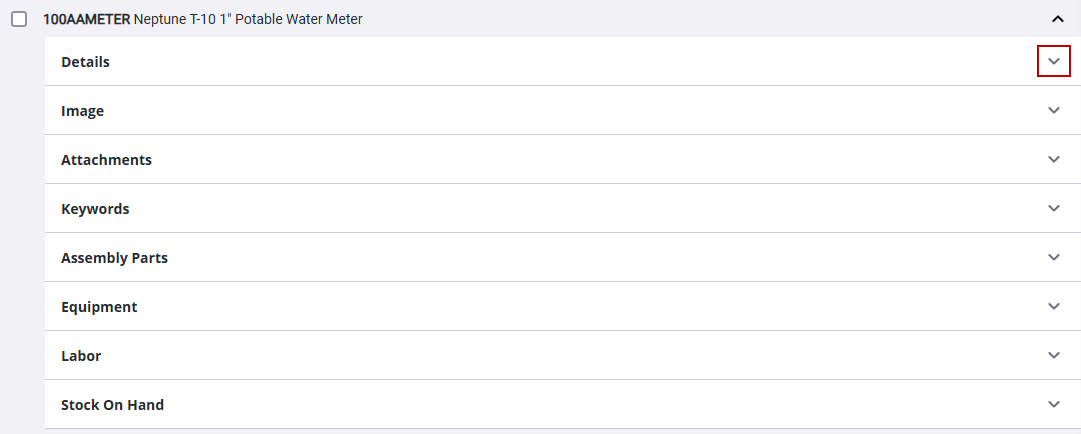
- Click the arrow to the right of Details.
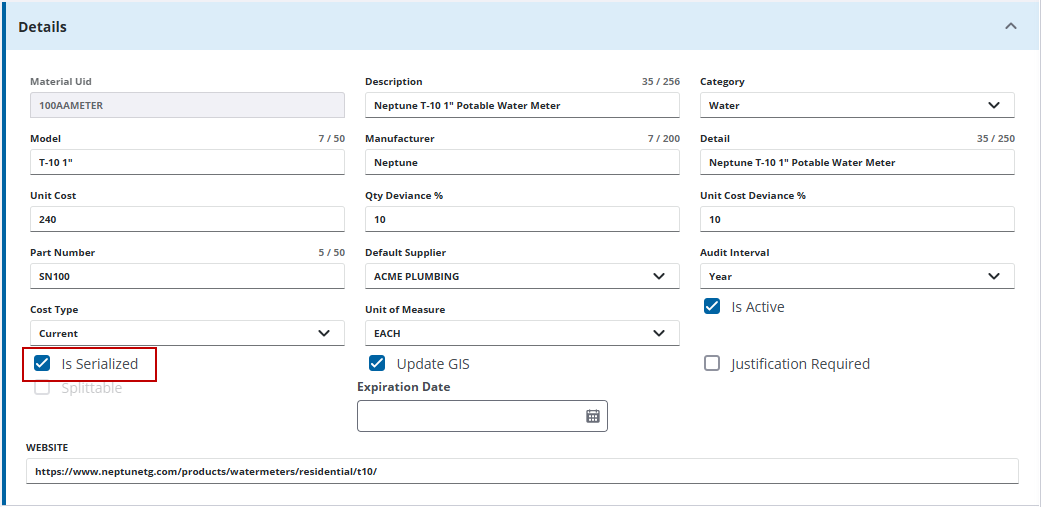
- Clear Is Serialized.
- On the Delete serialization data panel, click Remove Serialization.