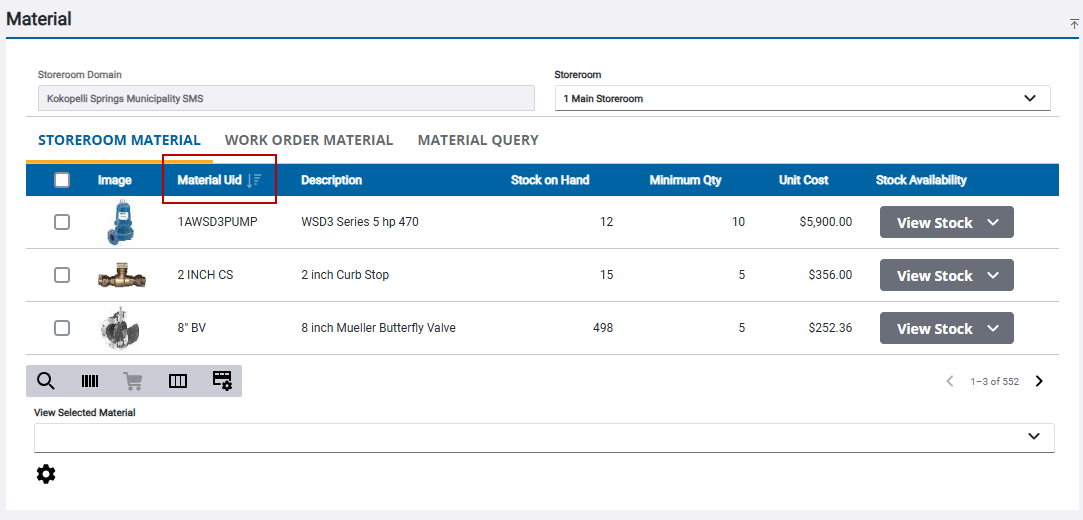
Sort Materials
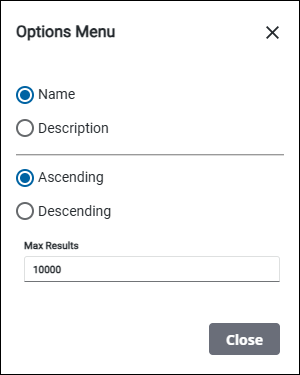
You can customize how the materials are sorted in the Material panel to more easily select materials from the list. Materials can be sorted by Name or Description, and by Ascending or Descending order.
- Click Storeroom Material on the Material panel.
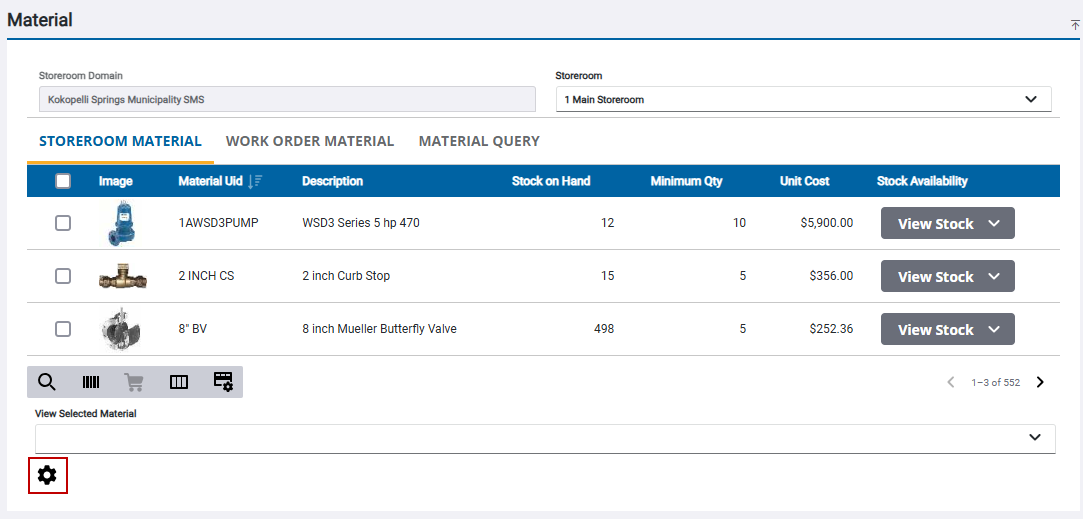
- Click the gear icon.
- Select the desired sorting order.
You can also click a column in the material list to sort the list by that field on the Storeroom Material, Work Order Material, Supplier, Requisition, or Employee tabs.
- Click the column to change the list from either ascending or descending order.