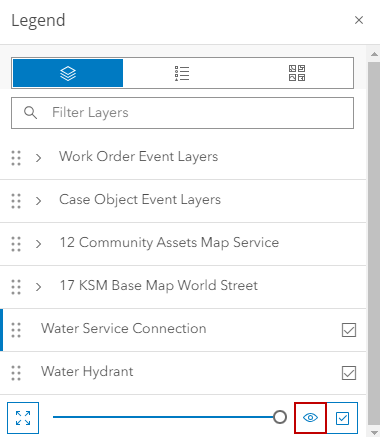
Reset Layer to Default Visibility Settings
All changes made to the layer's visibility settings can be reset at the same time. A layer must be selected from the Legend to activate this tool.
|
|
 PREREQUISITES:
- Click Legend in the map toolbar.
- Click Content.
- Select a layer.
- Click Reset Layers to Default Visibility at the bottom of the Legend panel.