Add an Arrow
Arrows can be added to highlight a location on the map.
- Click Redline on the map toolbar.
- Click Draw Arrow.
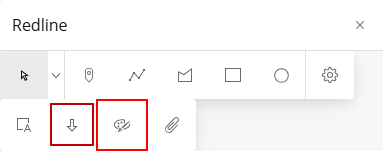
- Click and drag on the map to alter the shape and size of the arrow.
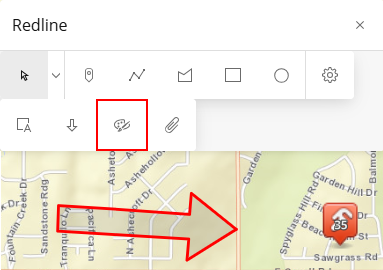
- See Save Redline Image Directly to a Work Activity or Download a Redline Image to save the graphic you just created.