Edit a Case Data Group
Case data groups can be edited individually or in bulk. For bulk editing, see Perform a Bulk Export or Bulk Import.
|
|
 PREREQUISITES:
- From the home page, click Permitting and click Case Data Setup.
 TIP: You can filter the list of records displayed. See Filter Records for more information.
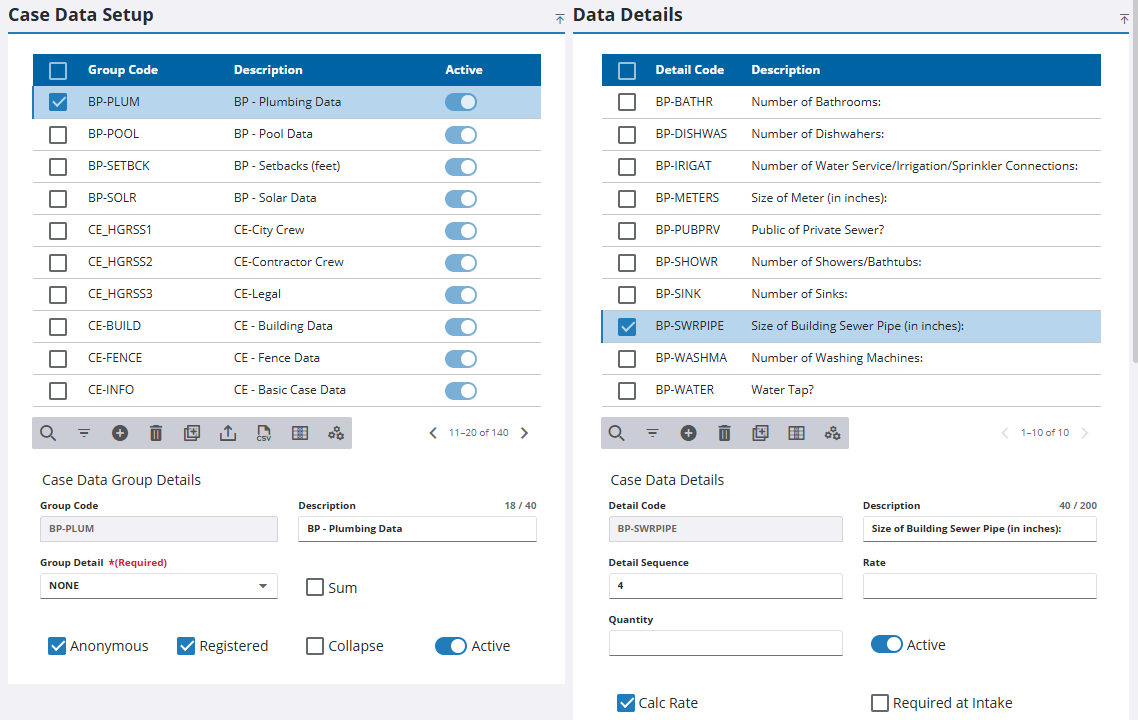
- On the Case Data Setup panel, select a case data group.
|
|
- Edit any desired fields or check boxes in the Case Data Group Details section and the Data Details section.
 NOTE: Your changes are automatically saved, and the changes are verified by a notification at the bottom of the page.

