Associate Forms to a Work Activity Template
You can associate a form to a work activity template.
|
|
 PREREQUISITES:
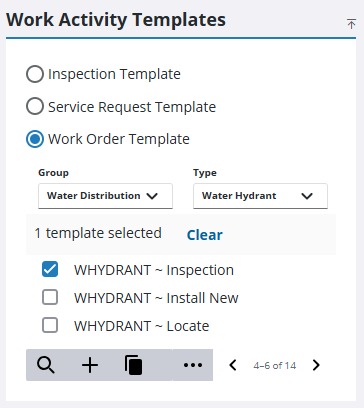
- From the home page, click Configure and click Work Activity Templates.
- Select which type of work activity template you need from the Work Activity Templates panel.
The Work Activity Templates panel lists all of the templates. Any templates that are inactive appear grayed out in the list. You can filter the list by clicking Filter records and entering the first few letters of the template.
- If you selected Work Order Template, select the Group and Type.
- Select the template from the list.
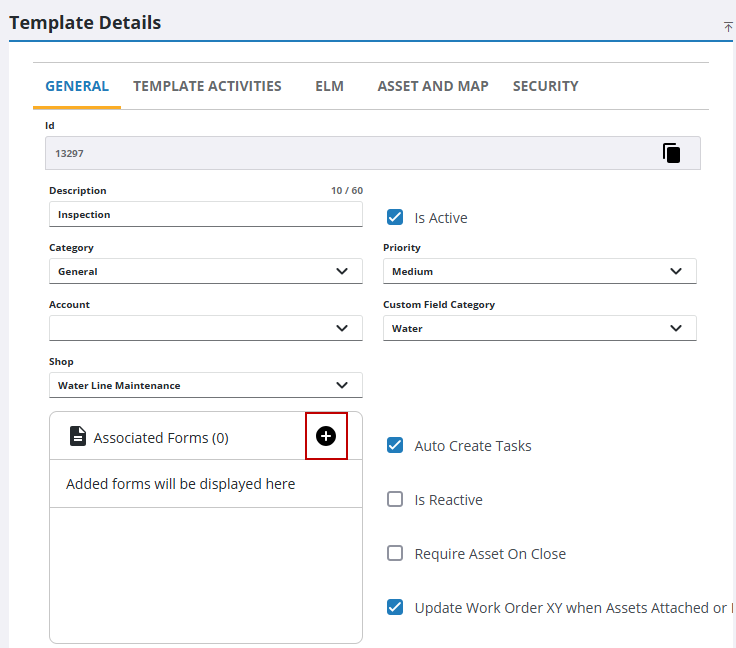
- On the General tab, click Add Form from the Associated Forms section.
 Use an Existing Form
- Select Use an existing from as is.
- Select an existing form from the Search or select a form to link drop-down list.
- Click Create.
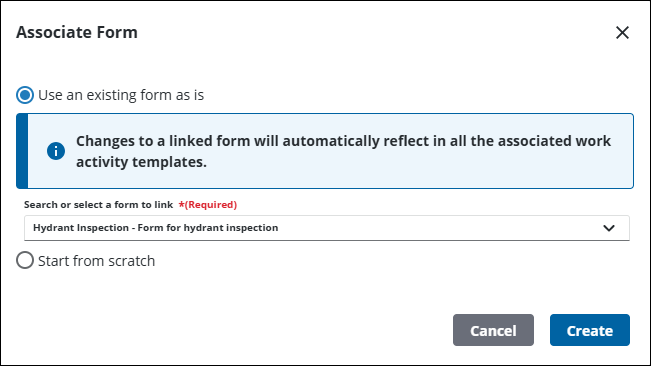
The form is now associated to the template.
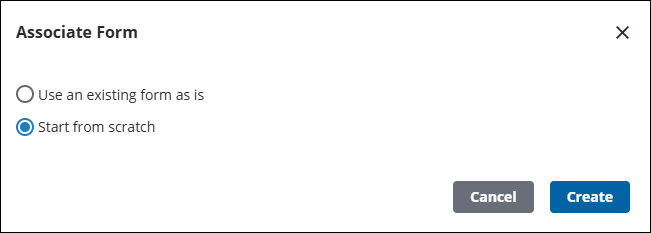
Create a New Form
- Select Start from scratch to create a new form.
- Click Create.
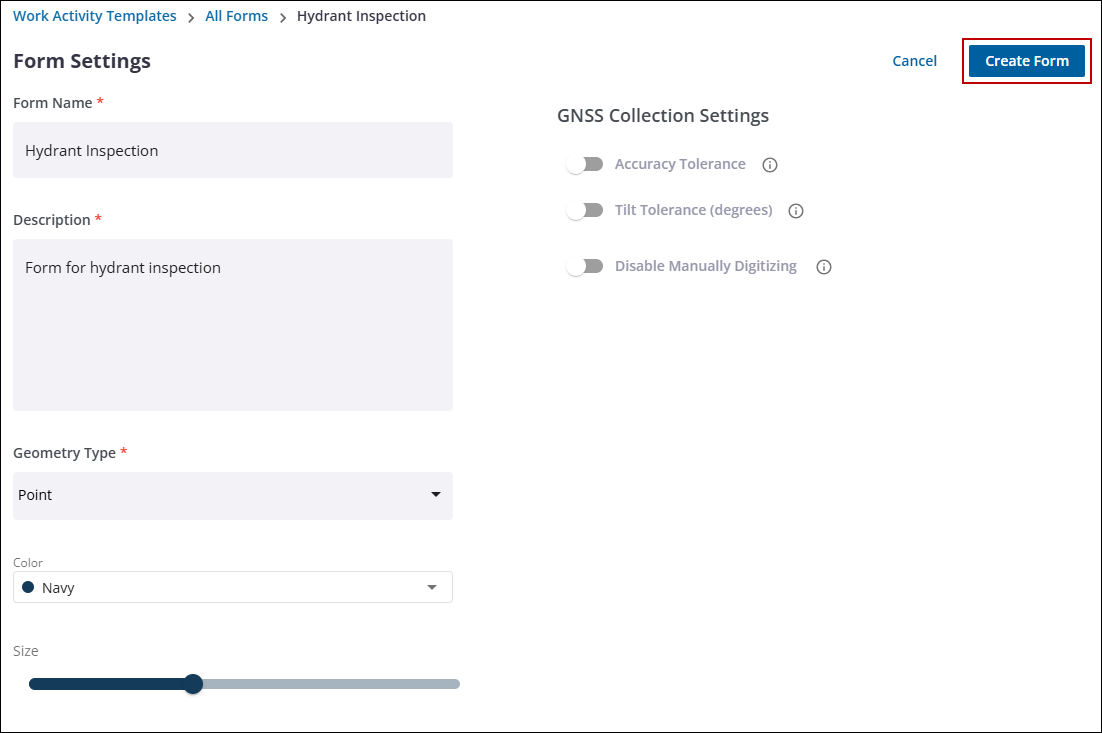
- Add the form information in the Form Name and Description fields.
- Select the Geometry Type from the drop-down list.
- Select the GNSS Collection Settings for the form. See Forms in the Trimble Unity Field Guide for more information.
- Click Create Form.
You are taken to the Form Editor to complete the form. See Create a Form for more information. After saving the form, it is associated to the template.

