Script Editor
Scripts can be created and used in forms.
- From the home page, click Configure and click Work Activity Templates.
- Click the All Forms tab.
- Search for the desired form. See Search Forms for more information.
- Click the Edit Form icon on the right of the form you want to edit.
- Click the Script Editor tab.
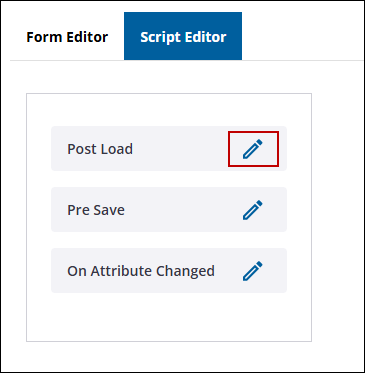
- To edit a script, click the edit icon on the script form you want to edit.
- Enter the script into the JavaScript editor panel.
Scripting uses the basic format below.
Copy
Scripting Format
{
    var result = {};
    result.data = {};
    result.result= "success";
    // Write the steps here. Implement what you want to do.
    return result;
}
- Click Save.

