Configure Asset Alias
Asset Alias is used to manage asset aliases and relationships between assets and layers without opening the map.
|
|
 PREREQUISITES:
- From the home page, click GIS and click Asset Alias.
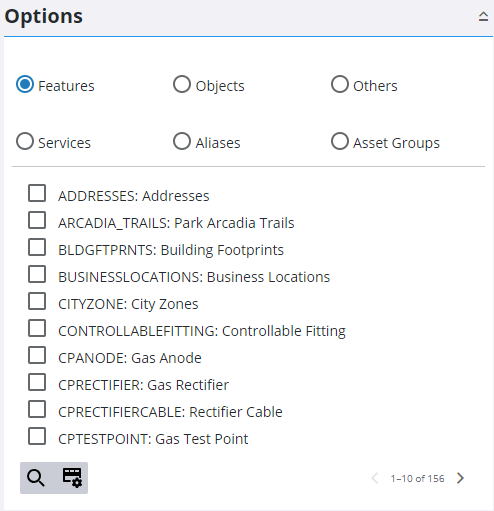
You can view a list of all aliases that exist in the Asset Alias table using the Aliases option.
- Select the Aliases option.
 IMPORTANT: Aliases in red are used by multiple assets and the system does not know what to resolve them to.
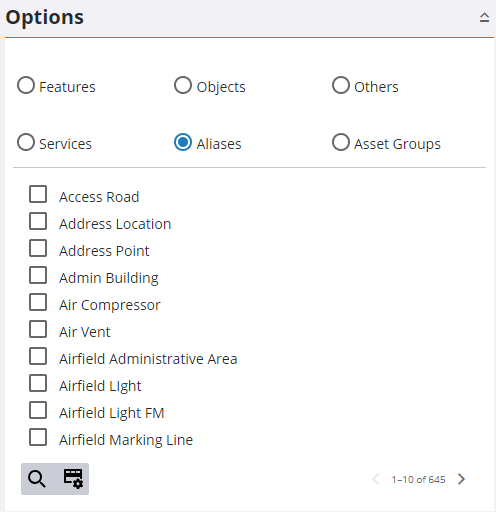
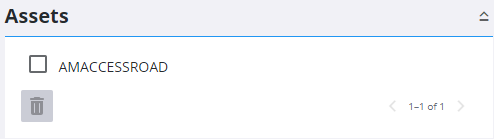
- Select an alias to view its associated Assets in the panel on the right.
See Add an Alias for more information on aliases.

