Map Serialized Material to the GIS
When material is designated as a serialized material in Storeroom, the material can then be mapped to GIS fields and added as a GIS object to the geodatabase. Once it is mapped, you can choose to update the GIS when performing a receive transaction in Storeroom.
|
|
 PREREQUISITES:
- From the home page, click GIS and click GIS Data Fields.
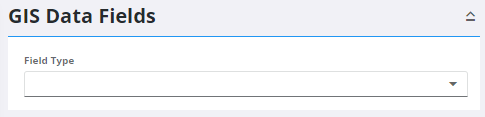
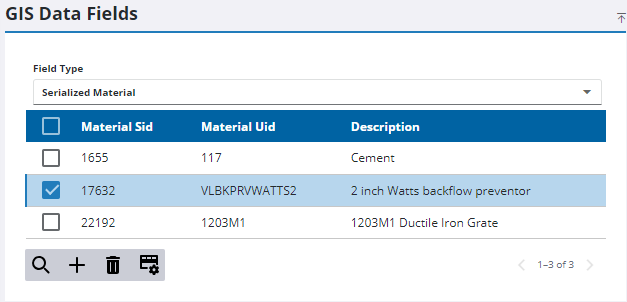
- Select Serialized Material from the Field Type drop-down list.
- Select a serialized material from the list.
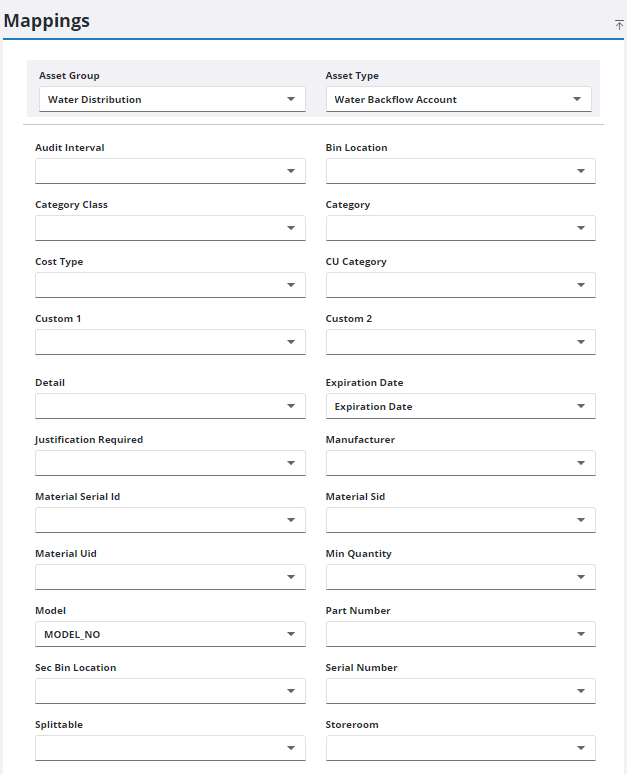
- Select the Asset Group and Asset Type you'd like to designate the new GIS object as.
- Select the GIS fields you'd like to map to the serialized material.
 NOTE: Changes are automatically saved and verified by a notification at the bottom of the page.

