Link a Form to a Workflow
Forms can be linked with actions in a workflow. For example, if a user selects Rejected, the system can automatically require a form to be filled out to define exactly why it was rejected.
|
|
 PREREQUISITES:
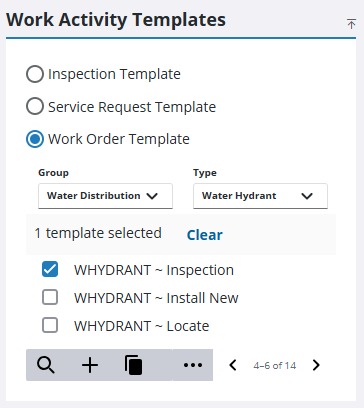
- From the home page, click Configure and click Work Activity Templates.
- Select which type of work activity template you need from the Work Activity Templates panel.
The Work Activity Templates panel lists all of the templates. Any templates that are inactive appear grayed out in the list. You can filter the list by clicking Filter records and entering the first few letters of the template.
- If you selected Work Order Template, select the Group and Type.
- Select the template from the list.
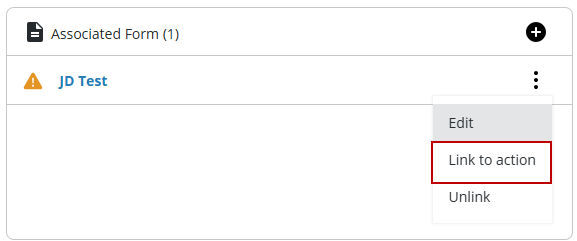
- On the General tab, click Forms actions from the Associated Form section.
- Click Link to action.
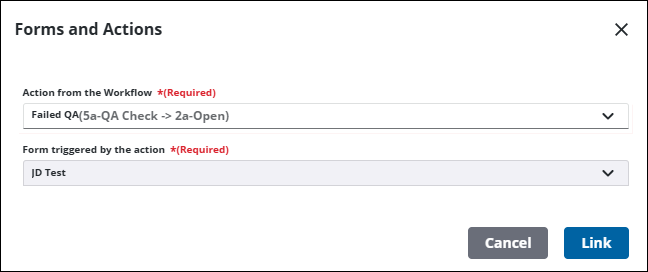
- Select the Action from the Workflow that you want the form to be populated at.
- Select the Mark form as Required check box to make this form required.
- Select Always create a new form Instance to create a new form every time.
- Select Reuse existing form Instance to use an existing form, if one exists, that has been started on a previous action in the workflow. If none exist, a new form is created.
- Click Link.