Process/ Workflow Fields
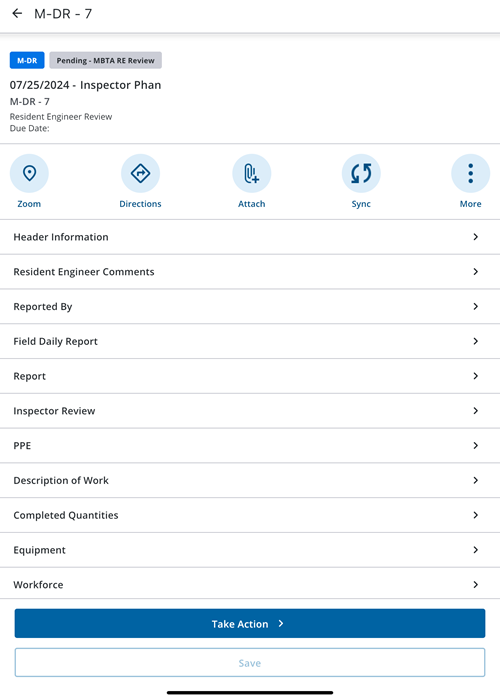
The following fields are found on the process Activity Details page. Depending on your configuration settings, different process fields may appear than are displayed in this list.
- Header Information: Tap to view general fields for the process.
- Details: Tap to select a priority.
- Universal Custom Fields: Tap to view and edit universal custom fields.
- Reported By: User who initiated the service request.
- Location: Tap to view and edit location details. This action will be available only for location-enabled work activities.
- Line Items: Tap to view, add and edit dynamic commitment line items to contracts. This action will be available only for Contract processes or Dynamic Commitment Line Items.
- Attachments: Tap to view and edit attachments.
- Comments: Tap to view comments. Tap Add to add a comment.