Remove an Asset from a Work Activity
You can maintain high data integrity by managing the contents of a work activity in real time. Rather than dealing with "data drift" by waiting to fix records back at the office, you can remove incorrect or irrelevant assets immediately from the mobile app.
|
|
 IMPORTANT:
  Remove a Single Asset from a Work Activity
You can remove an asset from a work activity when working online or offline. Use this process to quickly fix individual association errors without having to restart your workflow.
- Open a work activity.
- Tap Associated Assets.
The Associated Assets page opens.
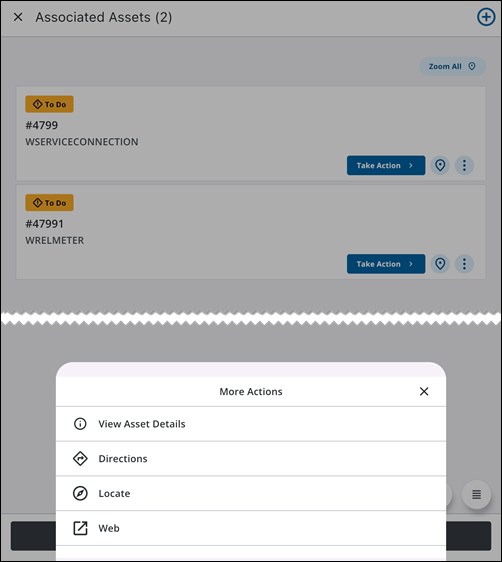
- Next to the asset you want to remove, tap the More Actions icon.
The More Actions menu opens.
- Tap Remove.
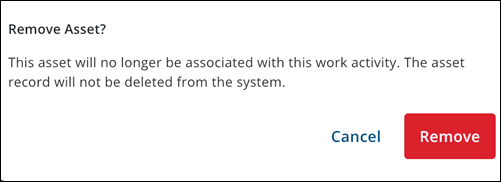
A message appears, stating that the asset will no longer be associated with the work activity once it is removed and confirming that the asset record will not be deleted from the system.
- Tap Remove.
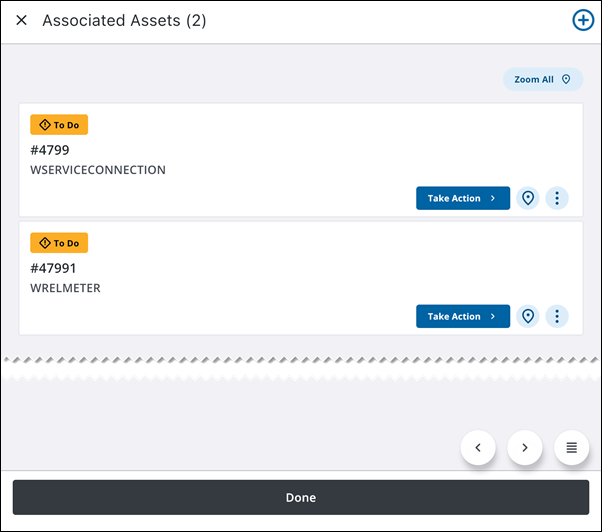
The asset is removed from the work activity.
Remove Multiple Assets from a Work Activity
You can remove multiple assets from a work activity when working online or offline. This is the most efficient way to bulk-correct the work scope if multiple incorrect assets were captured.
- Open a work activity.
- Tap Associated Assets.
The Associated Assets page opens.
- Tap Multi Select.
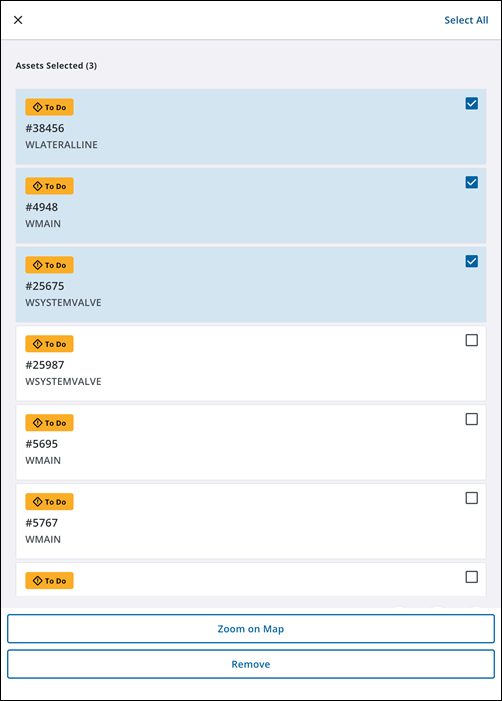
The Multi Select page opens.
- Tap the checkbox for each asset you want to remove.
- Tap Remove.
A message appears, stating that the selected assets will no longer be associated with the work activity once it is removed and confirming that the asset records will not be deleted from the system.
- Tap Remove.
The asset is removed from the work activity.

