Switch Between Floors
If you are using ArcGIS Indoors and Trimble Unity, the Floor Filter map tool can be used to switch between facilities, buildings, or floors defined on the map.
- Open the map.
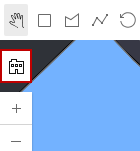
- Click Floor Filter on the map.
- Click Browse and select a building or facility.
- Click the floor you want to view within the building or facility.
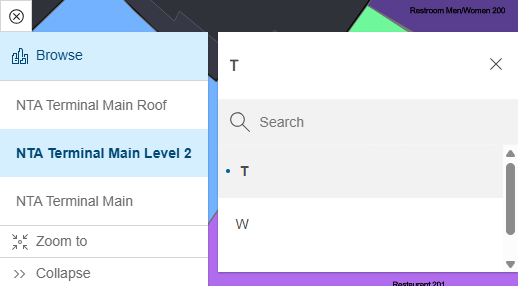
Any work activities associated with the level you're viewing appear. See Search for a Location for more information.
- Click Stop to disable floor filtering. Click Start to re-enable floor filtering.