Configure Pavement Inspection Mappings
Pavement inspection fields in Trimble Unity and PAVER need to be mapped to each other.
- Open the Configuration page.
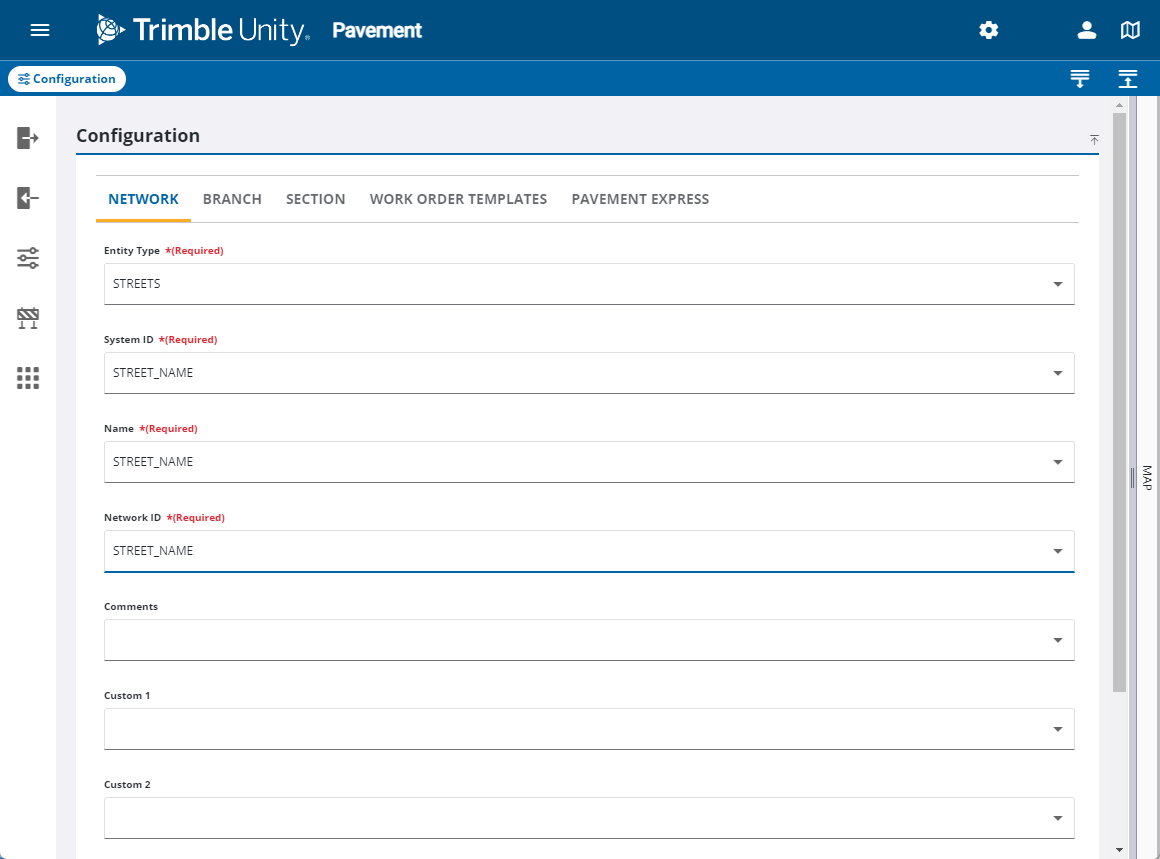
- On the Network tab, configure the fields related to the network. See Configuration Fields for more information.
- On the Branch tab, configure the fields related to the branch. See Configuration Fields for more information.

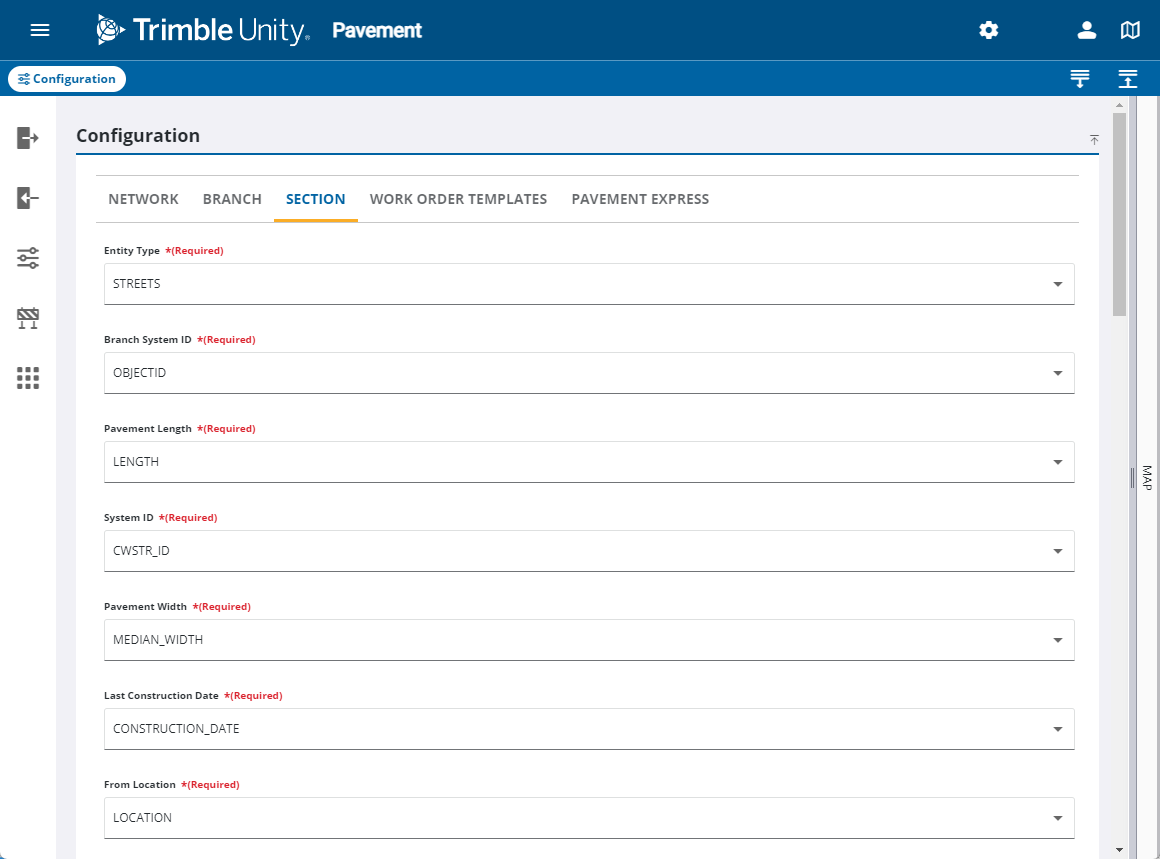
- On the Section tab, configure the fields related to the section. See Configuration Fields for more information.