Add an Escrow Payment
Contractors can make escrow payments in Public Access.
|
|
 PREREQUISITES:
- From the home page, click Bulk Payment.
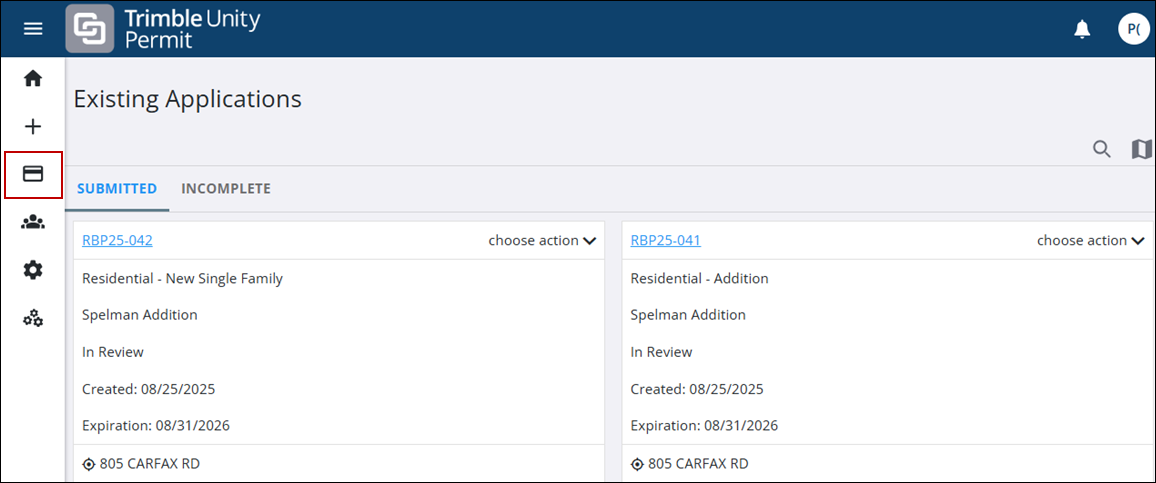
- Click the Add Escrow tab.
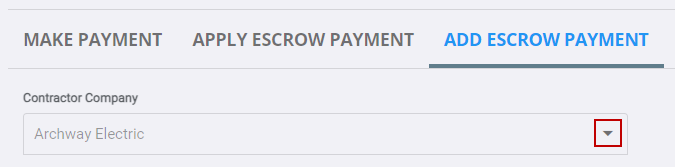
The contractor you are registered with displays.
- If you are registered with more than one contractor, select the contractor you want to add an escrow amount to by using the drop-down list.
- In the Payment Amount field, enter the amount you want to place in the escrow account.
 NOTE: The currency type is automatically set according to your region and cannot be edited. The example below shows euros (€), but US-based users will see USD ($).
- Click on the Accept payment terms and conditions link to view the payment terms.
- Click the Accept payment terms and conditions check box to accept the payment terms.
- Click Make Payment.
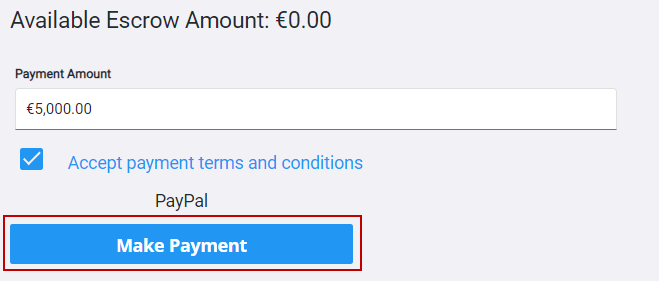
The record of your payment is reflected in the Available Escrow Amount fields in the Apply Escrow Payment and Add Escrow Payment tabs.