Apply an Escrow Payment
Contractors can apply existing escrow payments to applications in Public Access.
|
|
 PREREQUISITES:
- From the home page, click Bulk Payment.
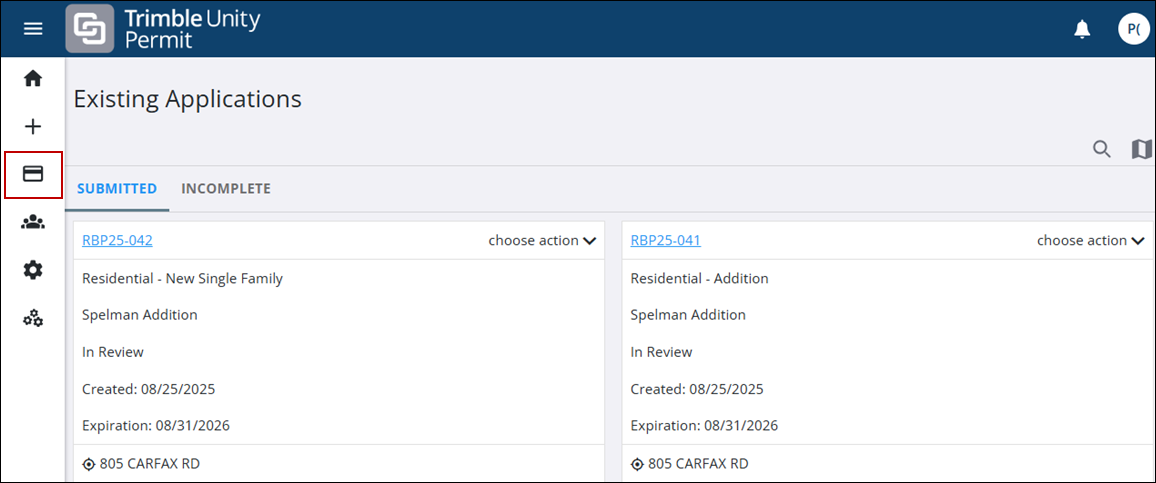
- Click the Apply Escrow tab.
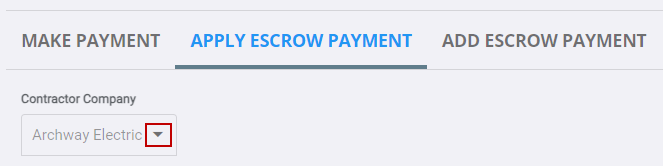
The contractor you are registered with displays.
- If you are registered with more than one contractor, select the contractor you want to add an escrow amount to by using the drop-down list.
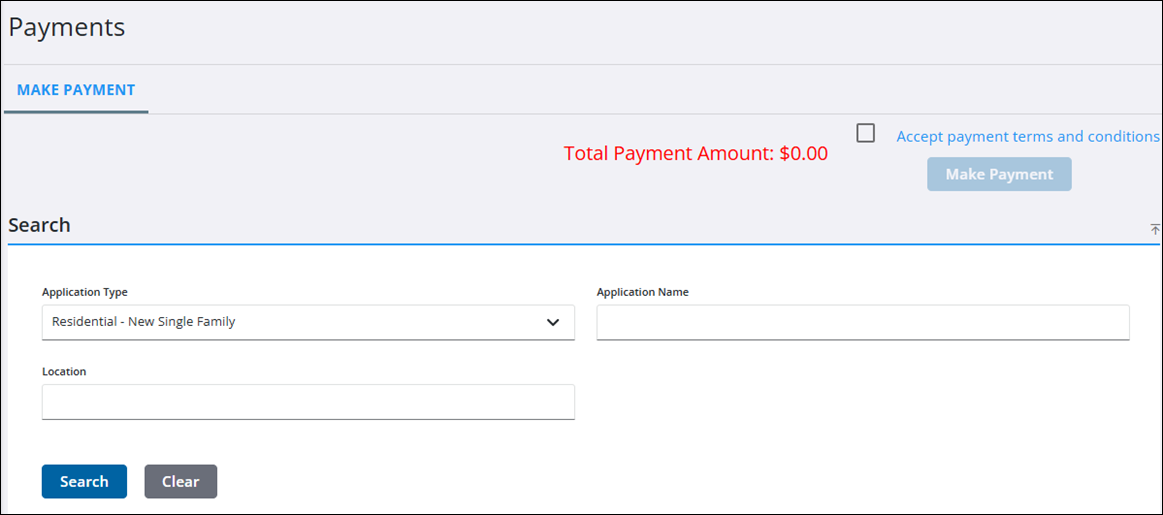
- On the Search panel, use the Application Type drop-down list to select an application type.
- Use the Application Name (tag) and Location fields to further refine your search, if desired.
- Click Search.
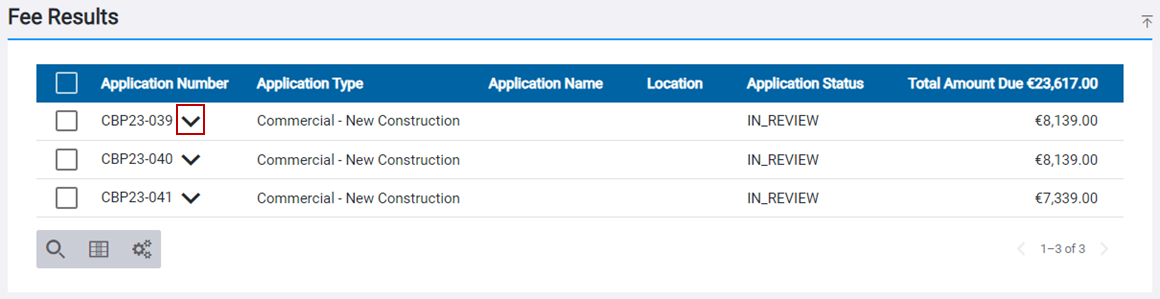
The Fee Results panel populates with any applicable search results.
 TIP: You can filter the list of records displayed. See Filter Records for more information.
- Click the arrow next to the desired application number to expand the fee details for that application.
The fee details display.
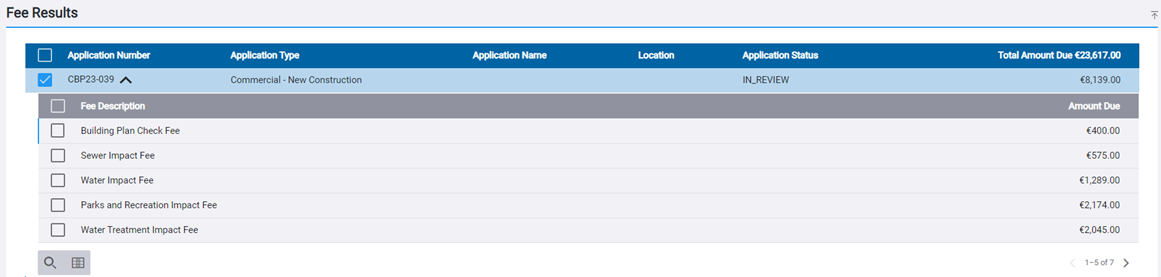
- Click the check boxes next to the desired fees to select them for payment.
Fees can be selected for a single application or for multiple applications. The number of fees selected for each application displays in brackets.
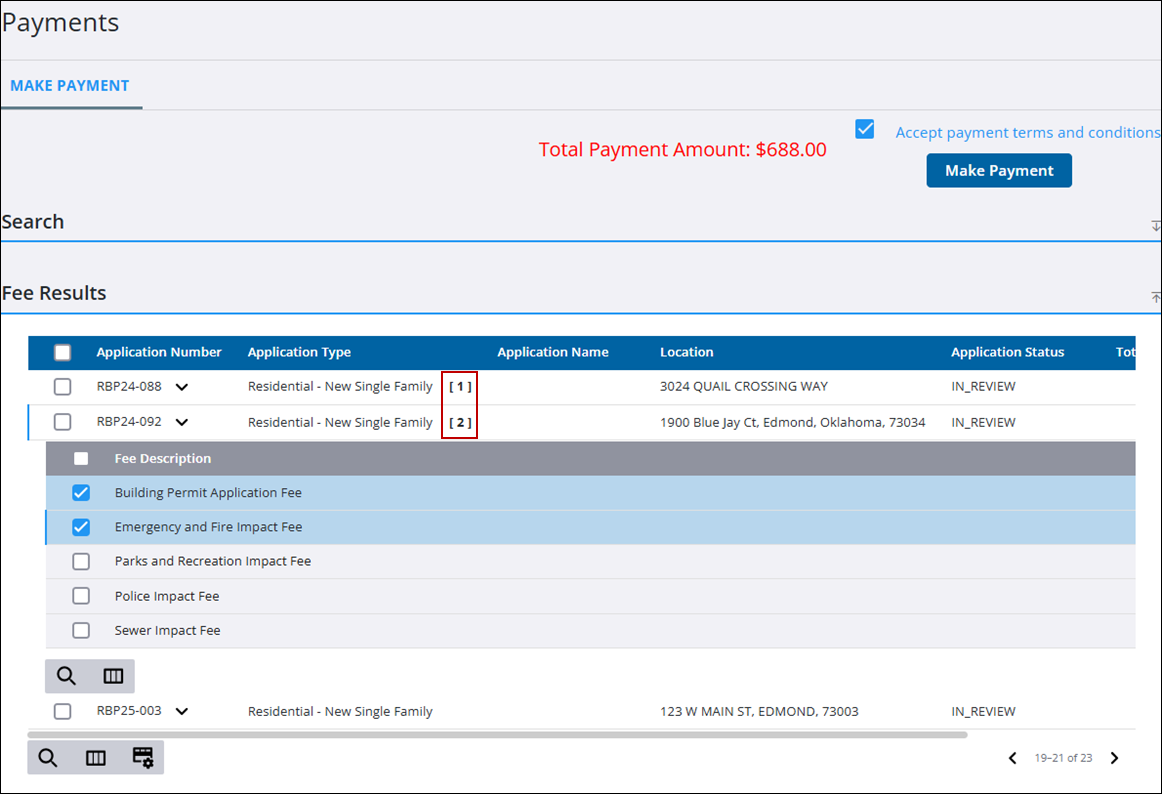
The payment total displays near the upper-right corner.
 NOTE: The currency type is automatically set according to your region and cannot be edited. The example below shows euros (€), but US-based users will see USD ($).
- Observe the available escrow amount and compare it to the desired fee payment total.
- If you are satisfied with the payment total and available escrow amount, click Apply Escrow.

The record of your payment(s) is reflected on the Payments panel of the summary page for the applicable application(s).