Finish an Incomplete Application
If you have applications that have not been completely filled out and submitted, you may find them by selecting the Incomplete tab on the home page.
The panel below lists all your incomplete applications. You may also open an incomplete application by clicking on it in the map. Incomplete applications are represented by a gray icon on the map.
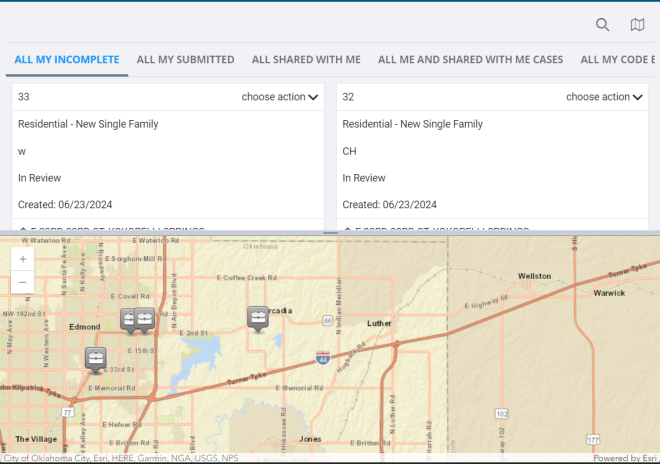
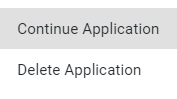
- Click the choose action drop-down list to either Continue Application or Delete Application.
 NOTE: When a case is submitted, the Accepted By and Date Accepted fields are set to the current user and time. Previously, these fields were set according to the original user and time when the application was initiated.
 IMPORTANT: Be aware that fees are not finalized until the application is submitted. Consequently, fee amounts may change between the time an application is opened and the time it is submitted. If you are returning to an incomplete application, be sure to check the Fees panel for the latest amount.
If you selected Continue Application, the application input screen for will open. See Begin a New Application for more information.