Remove Assets
- Open the Asset Details page.
 TIP: You can filter the list of records displayed. See Filter Records for more information.
- Select an asset or assets on the Assets panel.
- Click Delete selected records.
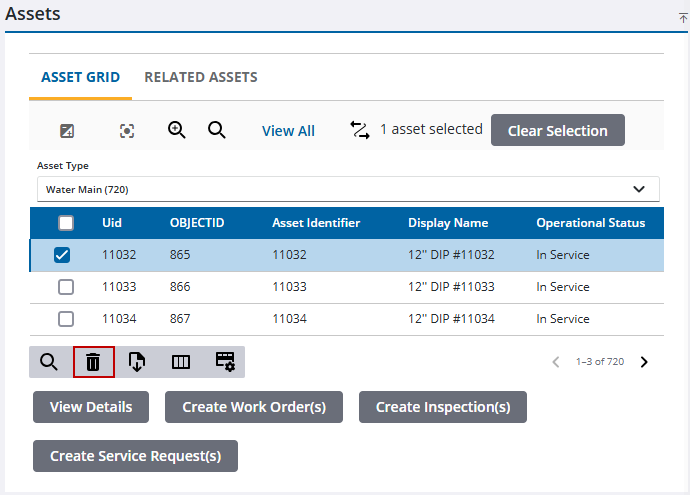
When assets are removed from the Assets panel, they are automatically removed from the selection on the map.

