Add a Subcontractor
Users can add one or more subcontractors by editing a contractor on a case.
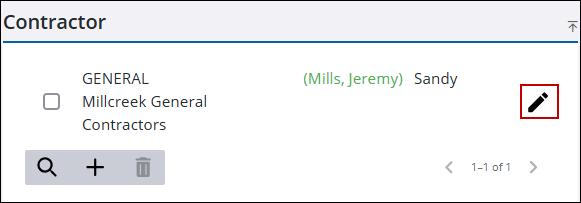
- Open a case and navigate to the Contractor panel.
- Click the edit icon to the right of the contractor to open the Edit Contractor panel.
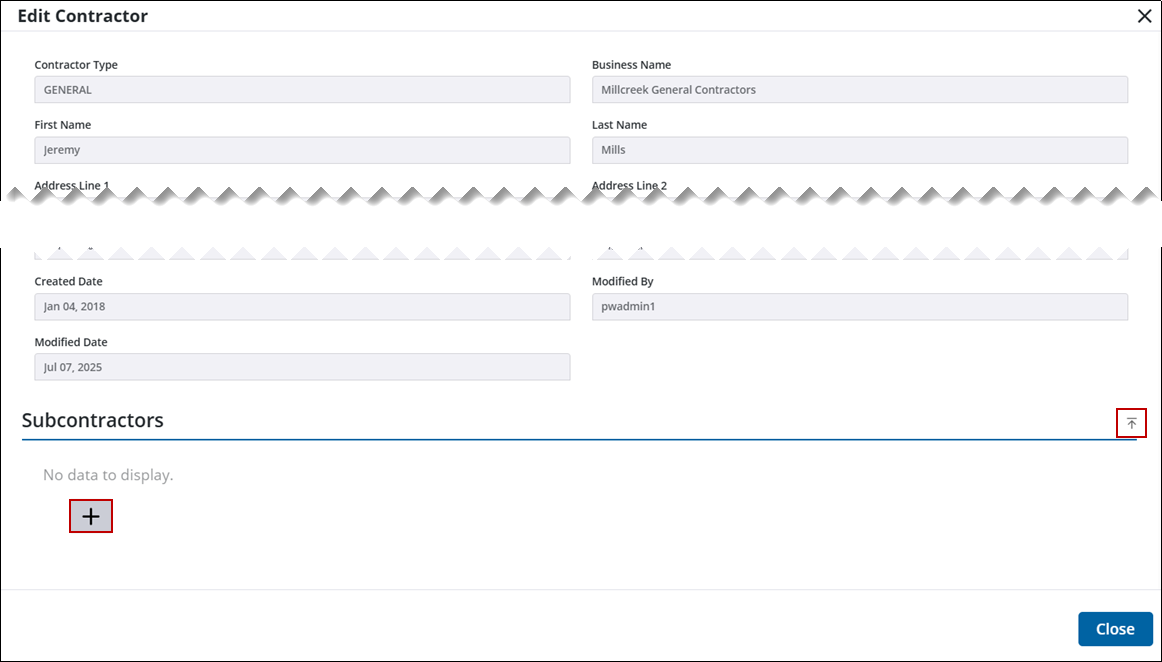
- At the bottom of the Edit Contractor panel, click the arrow to expand or contract the Subcontractors section.
- Click Add record to open the Add Subcontractors panel.
 TIP: You can filter the list of records displayed. See Filter Records for more information.
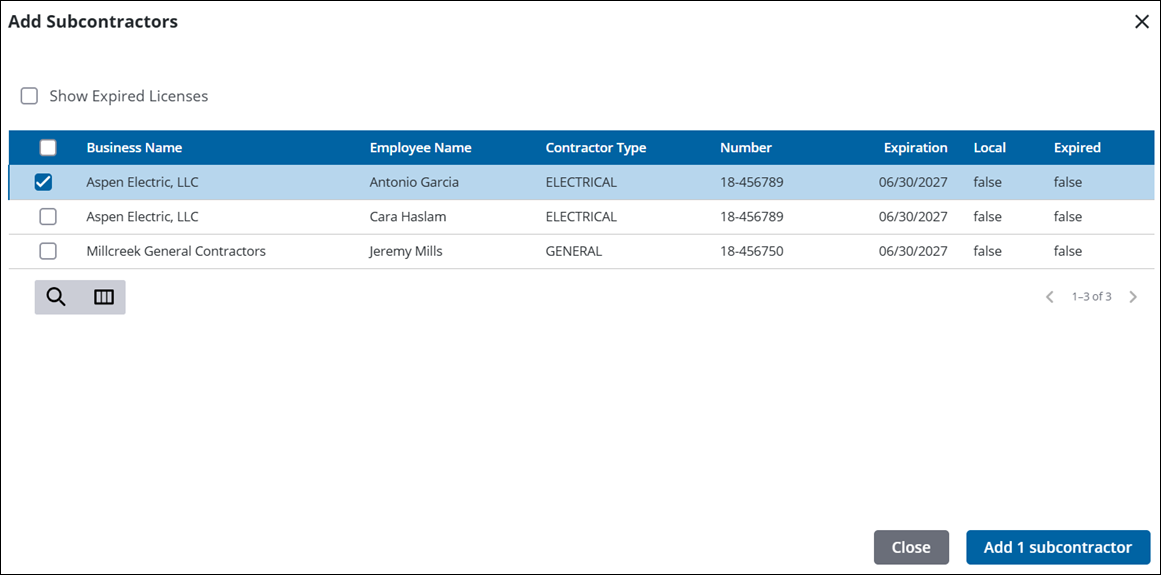
- Select one or more subcontractors and click Add subcontractor.
Subcontractor(s) are added to the Subcontractors section. From here you can search, add, and remove subcontractors as well as view existing subcontractors.

