Edit the Main Panel
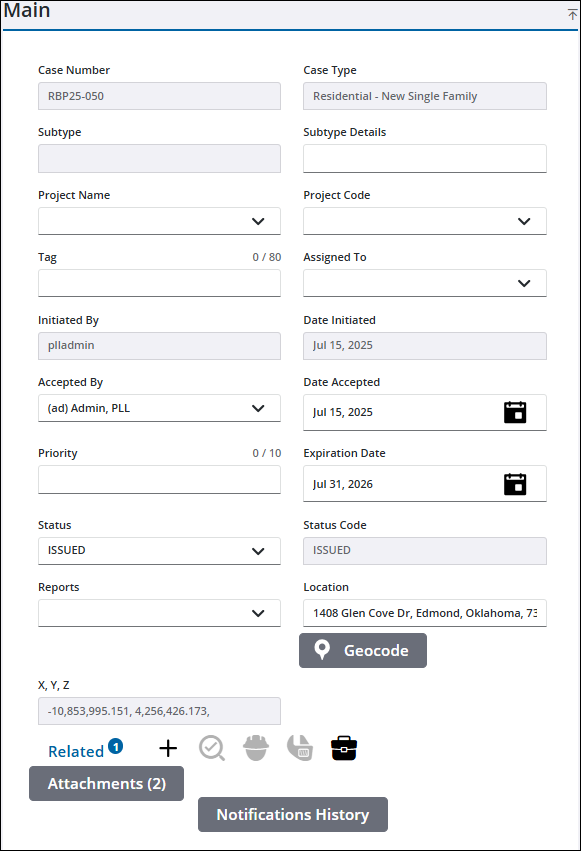
You can view and edit information on the Main panel.
- Open a case and navigate to the Main panel.
- Click in any of the available fields to edit the information.
- Once you have made your edits, click Save in the upper-right corner of the case.
See Main Panel Fields for an explanation of the Main panel fields.

