Edit a Person's Information
To edit the information of a person associated with a case, complete the following:
- Open a case and navigate to the People panel.
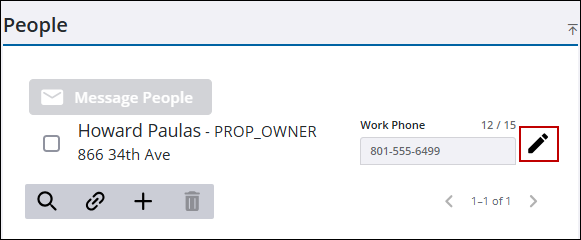
- Click the edit icon to the right of the role to open the Edit Person panel.
|
|
 NOTE:
NOTE: - Click in any available fields to edit the information.
- Click Save.
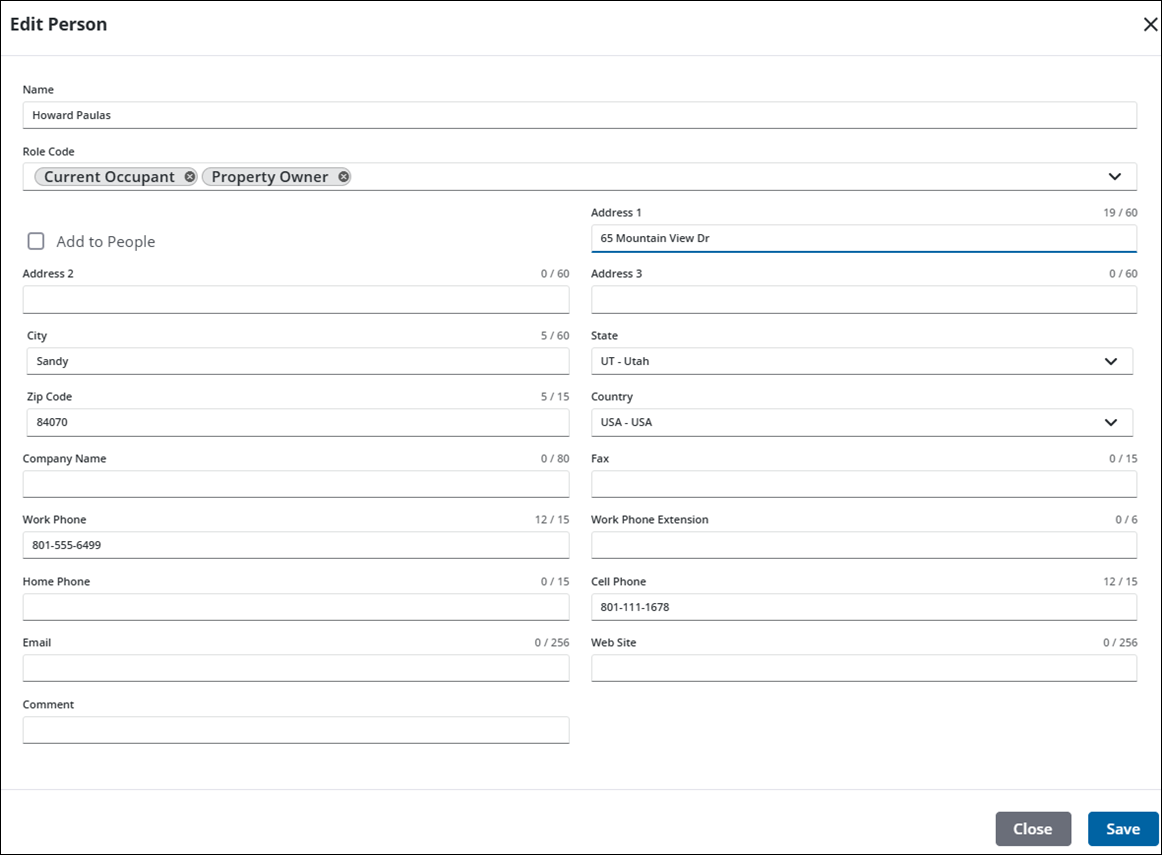
See People Panel Fields for an explanation of the People panel fields.

