Remove a Person
To remove a person associated with a case, complete the following:
- Open a case and navigate to the People panel.
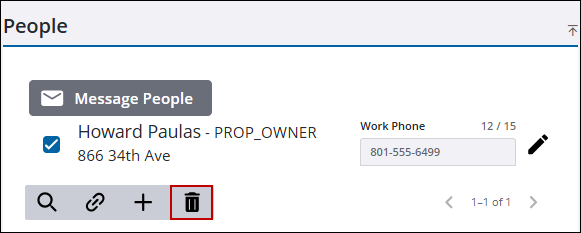
- Select the person you want to remove.
 TIP: You can filter the list of records displayed. See Filter Records for more information.
- Click Delete selected records.
- Click Delete on the confirmation panel.
The People panel refreshes and shows the remaining people associated to the case.

