Transfer Costs
Estimated equipment, labor, and material costs can be transferred to actual costs in ELM. The information is transferred from their individual panels.
- Open ELM. See Open ELM for more information.
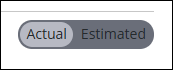
- On the panel that has the cost to be transferred, select Estimated.
 TIP: You can filter the list of records displayed. See Filter Records for more information.
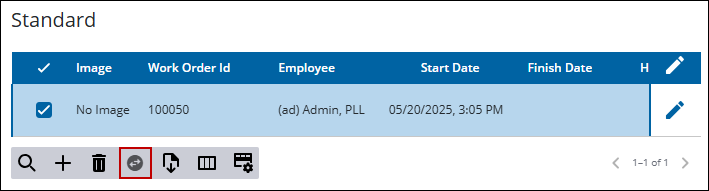
- Select the record(s) to be transferred.
- Click Transfer Selected Costs.
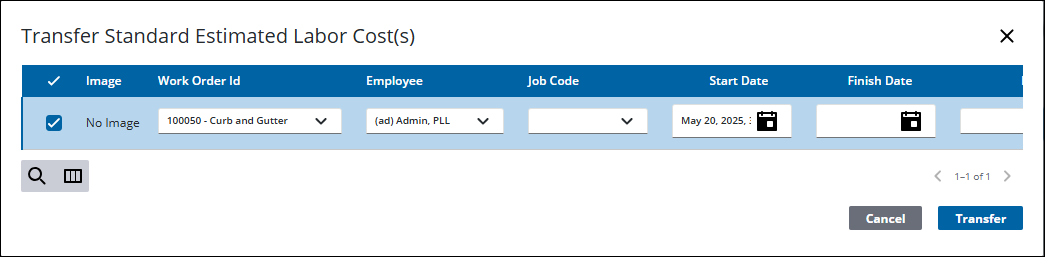
- Make any changes, if needed, to the cost information.
- Select the cost(s) and click Transfer.
The estimated cost is now listed in the actual costs.

