Update Verification of a Line Item
Verification of a line item can be updated on the Line Item Costs panel in ELM.
- Open ELM. See Open ELM for more information.
 TIP: You can filter the list of records displayed. See Filter Records for more information.
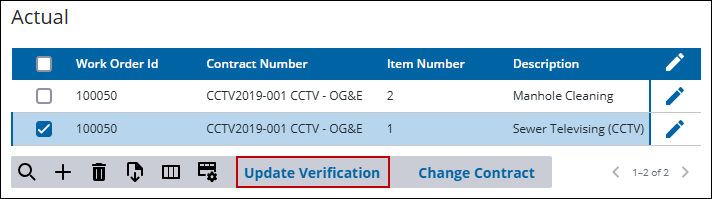
- On the Line Item Costs panel in the Actual section, select the line item to be updated.
- Click Update Verification.
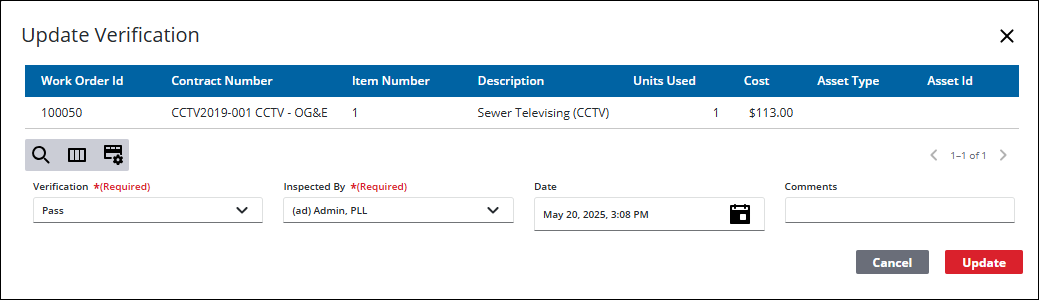
- On the Update Verification panel, add the information and click Update.