Open Equipment Change Out
There are multiple ways to open equipment change out.
 From the Map
|
|
 PREREQUISITES:
- Select an asset on the map.
- Click the Equipment Change Out page from the menu.
From a Work Order
- Open the work order.
 TIP: You can filter the list of records displayed. See Filter Records for more information.
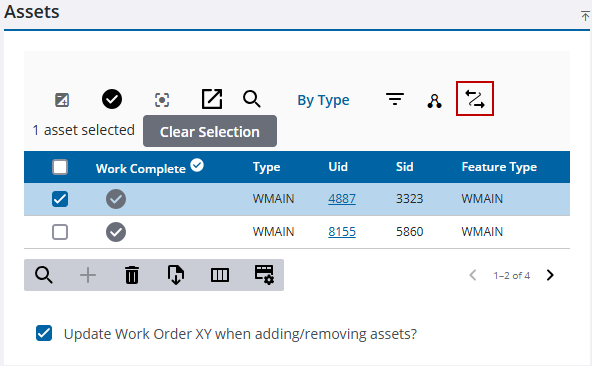
- Select the desired asset in the Assets panel.
- Click Equipment Change Out.
From Asset Details
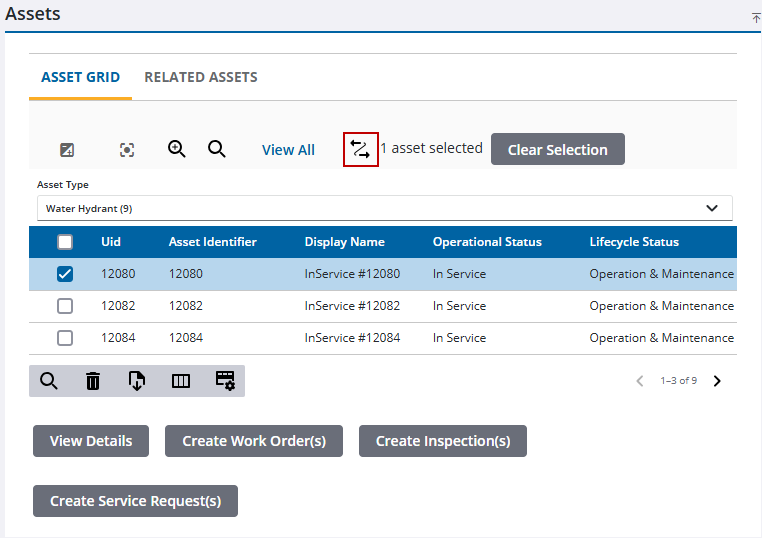
- Select an asset on the map.
- Open Asset Details.
- Select an asset and click Equipment Change Out.
From the Query Editor
- Open the Query Editor.
- View the results of a GIS Feature or GIS Object query.
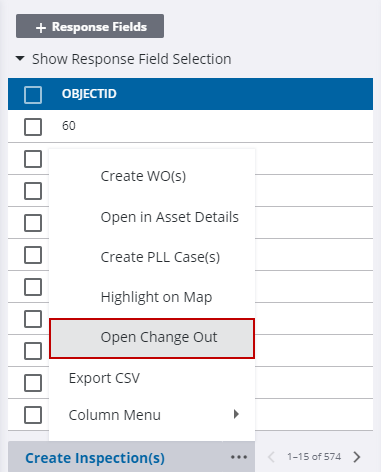
- Select an asset from the results and click Open Change Out.