View or Edit Attributes
Users can view or edit asset attributes. Any edits made in Equipment Change Out are applied to the geodatabase.
|
|
 PREREQUISITES:
- Open Equipment Change Out . See Open Equipment Change Out for more information.
- Select an asset.
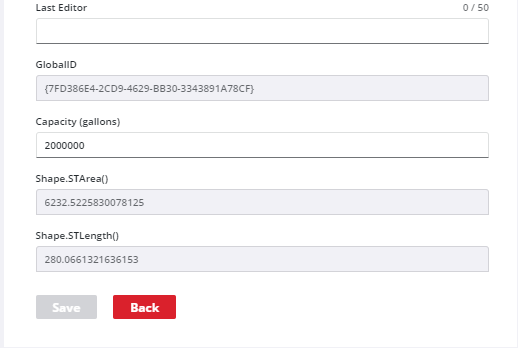
The attributes for the selected asset appear in the Attributes panel.
- To edit the attributes, click Edit at the bottom of the Attributes panel.

- Edit the asset attributes as desired.
- Click Save.
- Click Back to stop editing attributes.
 NOTE: The attributes that are displayed in Equipment Change Out and their formatting are configured in Admin under GIS > Asset Groups > Asset Form Configuration for each asset type. See Add an Asset Type in the Admin Guide for Trimble Unity Maintain and Trimble Unity Permit for more information.

