Remove Reservation
Reservations can be removed on the Reservations panel.
- Open a work order.
- Open the Equipment Checkout page. See Open Equipment Check Out for more information.
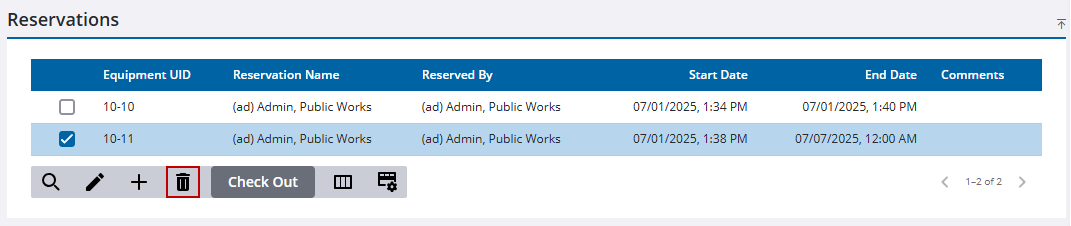
- Select the reserved equipment.
- Click Delete Reservation.
-
Click Delete on the confirmation panel.

