Export an ActiveReport
Existing ActiveReports can be downloaded as a .rldx file, downloaded as a .pdf, or exported in different formats if wanted.
|
|
 PREREQUISITES:
 Export as an .rldx File
- Open the report.
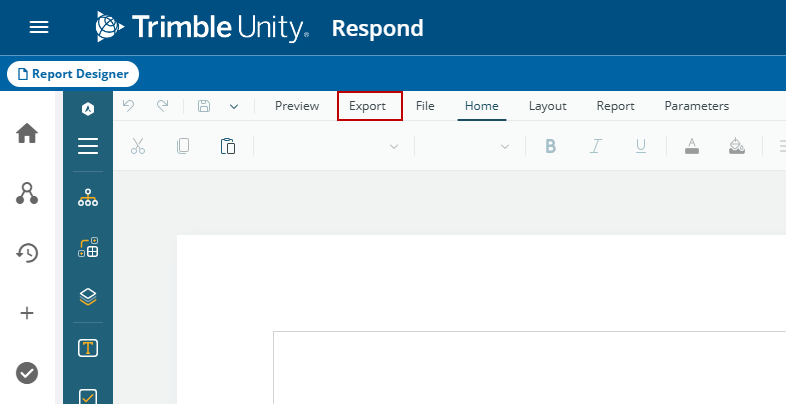
- Click Export.
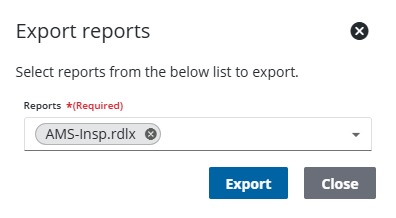
- Select an existing report from the Reports drop-down list and click Export.
The report downloads as a .rdlx file.
Export in Different Formats
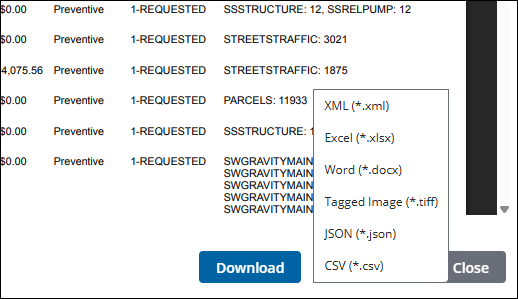
ActiveReports can be downloaded in multiple formats, including: .html, .xlxs, .docx, .tiff, .csv, .json, .xml.
- Open the report.
- Click Preview. See Preview a Report for more information.
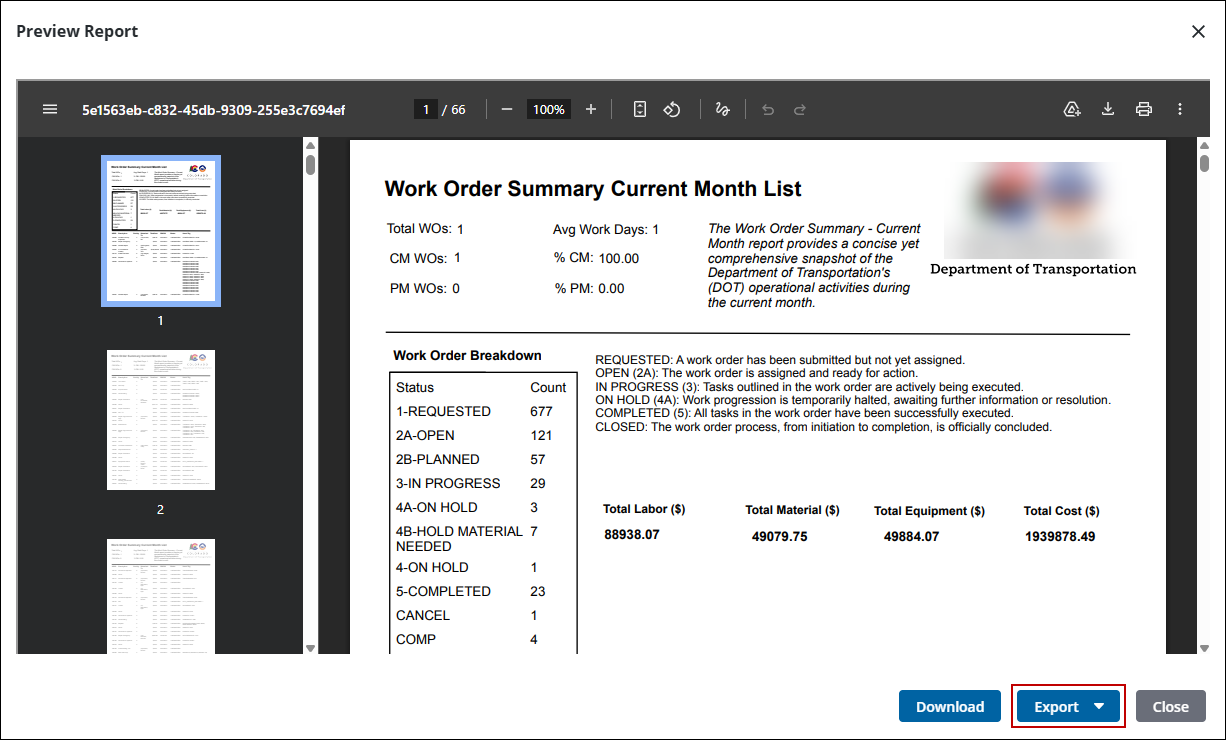
- On the Preview Report panel, click Download to download the report as a .pdf.
- For other export options, click Export.
- Select the format you want to report exported in.
The report downloads in the format selected.

