Preview a Report
You can preview the report you're building to make sure it looks as expected.
|
|
 PREREQUISITES:
- Save the report.
- Click Preview.
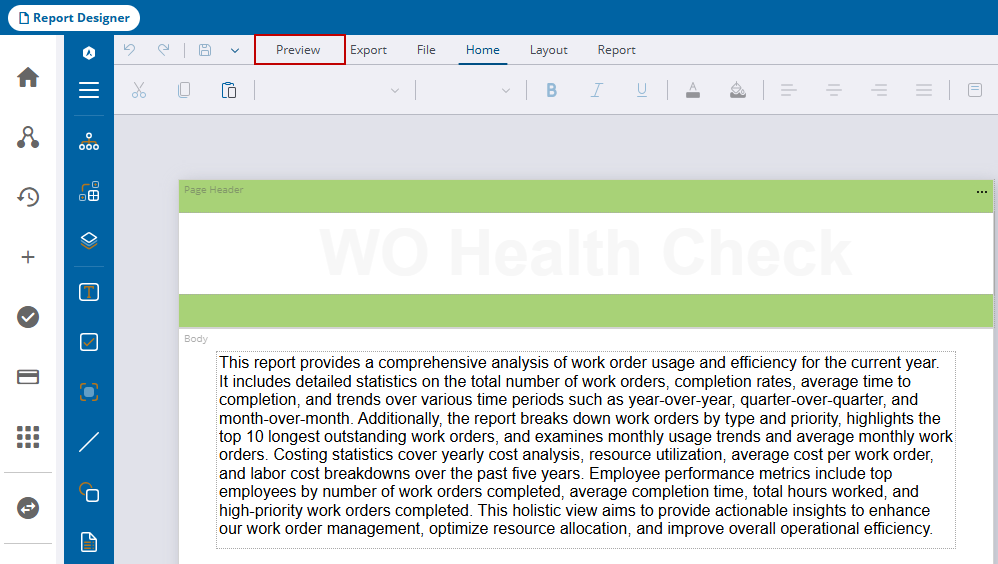
- If a parameter has been set up for the report, select it and click Preview.
The report displays in the Preview Report panel.
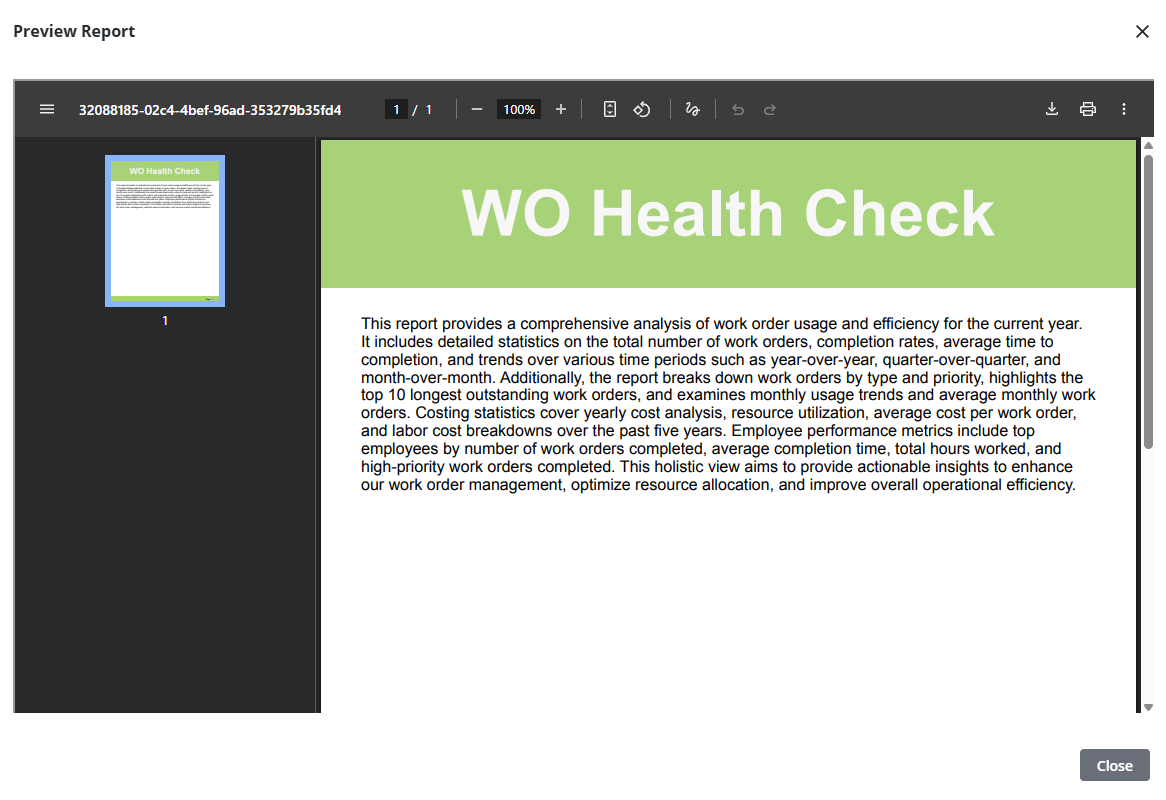
- Click Print in the upper-right corner to print the report.
- Click Download at the bottom to download a .pdf copy of the report.
- Click Export at the bottom to export the report as a .html, .xlxs, .docx, .tiff, .csv, .json, or .xml file. See Export an ActiveReport for more information.
- Click Close in the lower-right corner to close the preview.

