Add an Incident to an Existing Service Request
The Incident Information panel contains information about the problem. You can add the incident to an existing service request.
- Select Add to Existing Service Request to add the incident to a service request that already exists.
 NOTE: Open the map if it is not already open.
- To find existing service requests, move the map to the desired extent. You can limit results by entering or using the calendar icon for the earliest and/or latest initiated dates.
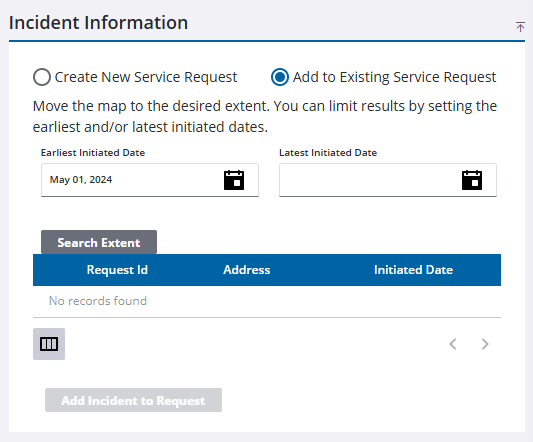
- Click Search Extent. Results appear in the following table.
 TIP: You can filter the list of records displayed. See Filter Records for more information.
- Select the service request you want to add the incident to, and click Add Incident to Request. Any questions or answers from the new caller are copied to the existing service request.

