Edit Call Information
Call information can be changed if needed.
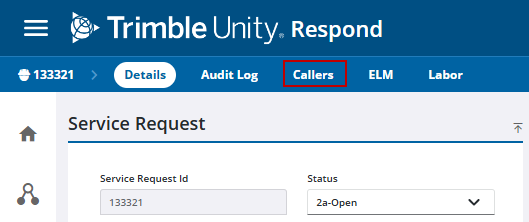
- Open the service request.
- Click Callers from the activity toolbar.
 TIP: You can filter the list of records displayed. See Filter Records for more information.
- Select the caller from the Callers panel.
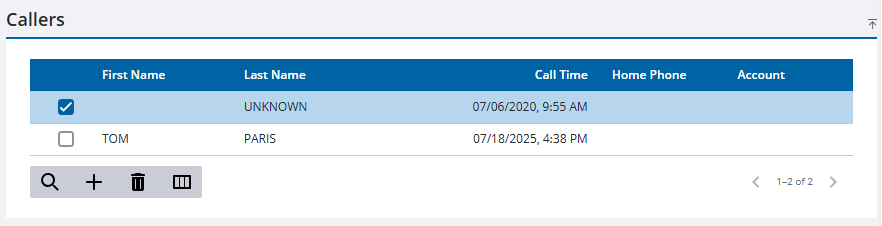
- Make the desired changes in the Caller Information panel.
- Click Save in the upper-right corner.

