View the Audit Log
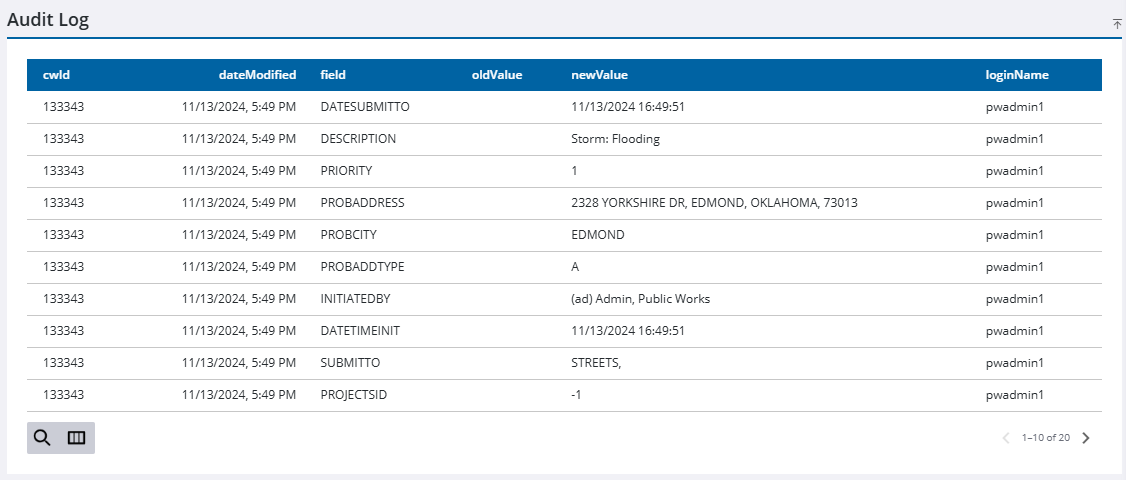
The audit log shows any changes made to the service request. The domain administrator determines which fields are tracked in Admin.
- Open a service request.
- Click Audit Log from the activity toolbar.
The Audit Log displays fields configured in Admin by the administrator. See Configure the Audit Log in the Admin Guide for Trimble Unity Maintain and Trimble Unity Permit for more information.