Create a Standard Inspection
Standard inspections can only be created from a work order.
- Open a work order attached to the desired asset(s).
- Click Related Activities from the activity toolbar.
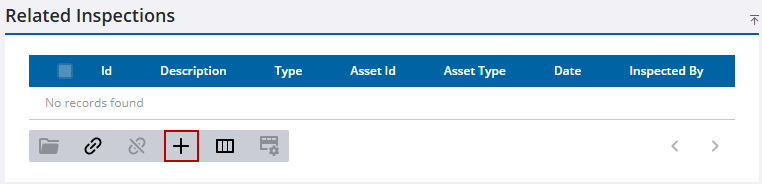
- Click Create linked activity on the Related Inspections panel.
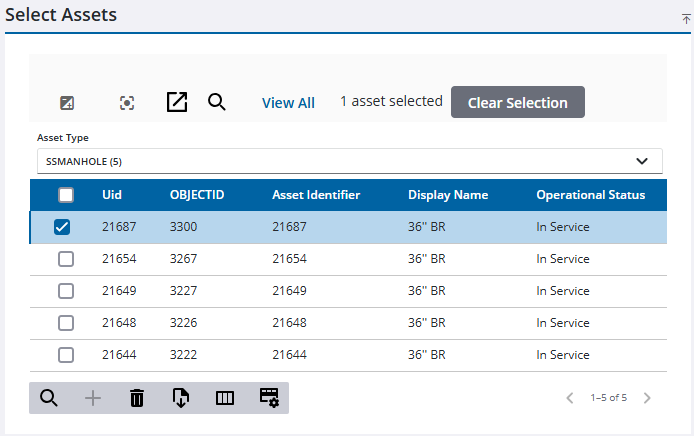
The assets from the work order appear in the Select Assets panel.
 TIP: You can filter the list of records displayed. See Filter Records for more information.
- Select an asset from the Select Assets panel.
The Open Work Activities panel displays if the selected assets have any open work activities attached to them.
- Select the desired template from the Template drop-down list.
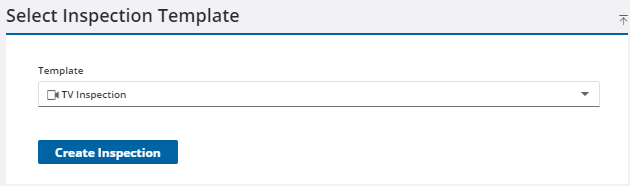
- Click Create Inspection.
The work order that the inspection was created from is displayed in the General panel.

