Add an Observation
Observations can be made about a manhole during an inspection.
- Open the manhole inspection.
- Click Observations from the activity toolbar.
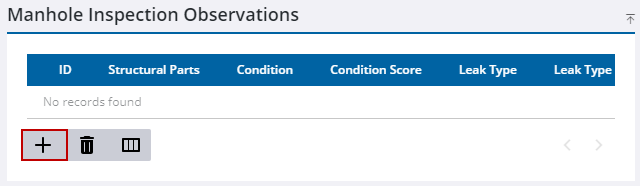
- Click Add Observation.
 TIP: You can filter the list of records displayed. See Filter Records for more information.
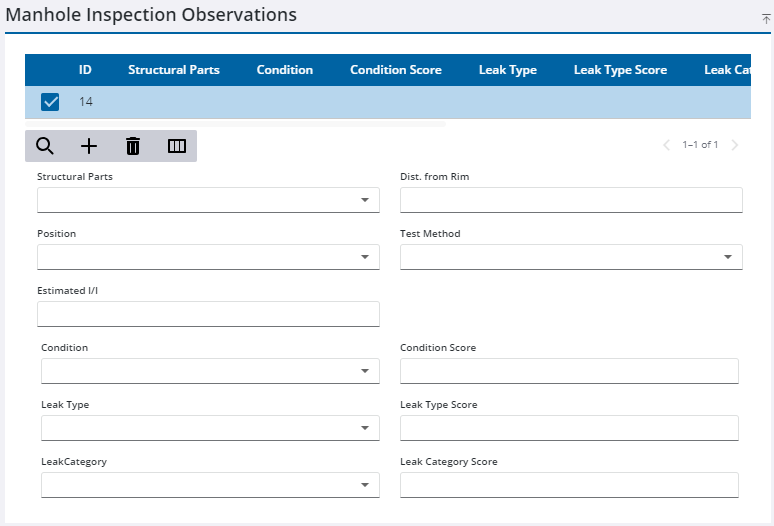
- Select the new observation and enter information in the observation fields.
- Click Save in the upper-right corner.

