Configure Work Order Preferences
The Work Order panel contains preferences related to work orders.
- From the home page, click Admin and click Preferences.
- Click the Maintain tab.
- Expand the General section on the Work Order panel.
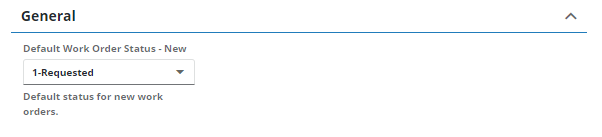
- In the Default Work Order Status - New field, select the default status for new work orders.
- Add Category Values that can be assigned to a work order. See Add Category Values for a Work Order for more information.
- Add Print Templates to print work orders in Respond. See Add Print Templates for a Work Order for more information.
- Add Resolution Values that can be assigned to a work order. See Add Resolution Values for a Work Order for more information.
- Add Status Values that can be assigned to a work order. See Add Status Values for a Work Order for more information.
 IMPORTANT: The values Cancel and Closed must not be removed, but the description can be changed.
 NOTE: Admin automatically saves the changes you make. A message appears at the bottom of the page when you make changes.

