Add or Remove Contractors
You can add or remove users from a contractor company in Public Access.
|
|
 PREREQUISITES:
 NOTE: The default license check for contractors provides the current status and expiration date of the contractor's business license, liability insurance, and general liability insurance.
- From the home page, click Contractor Admin.
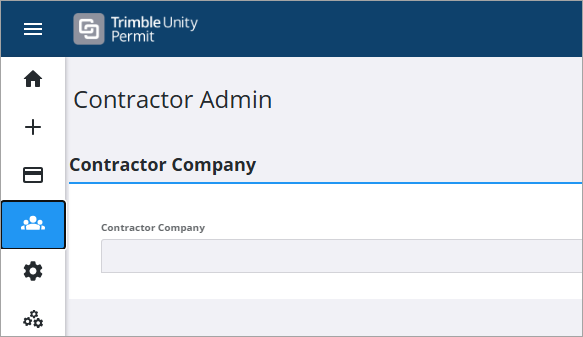
- On the Contractor Company panel, use the drop-down list to select the desired contractor company.

 Add an Employee
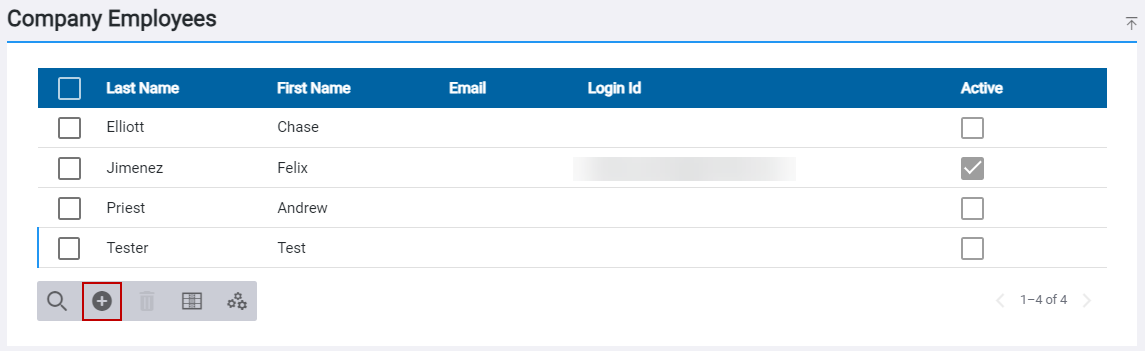
- On the Company Employees panel, click Add record.
NOTE: You can edit the Contractor Invite Email prior to sending it. See Configure Email Templates for more information. You can also designate the number of days the registration link within the invite email remains active. See Configure Public Access Preferences in the Admin Guide for Trimble Unity Maintain and Trimble Unity Permit for more information.
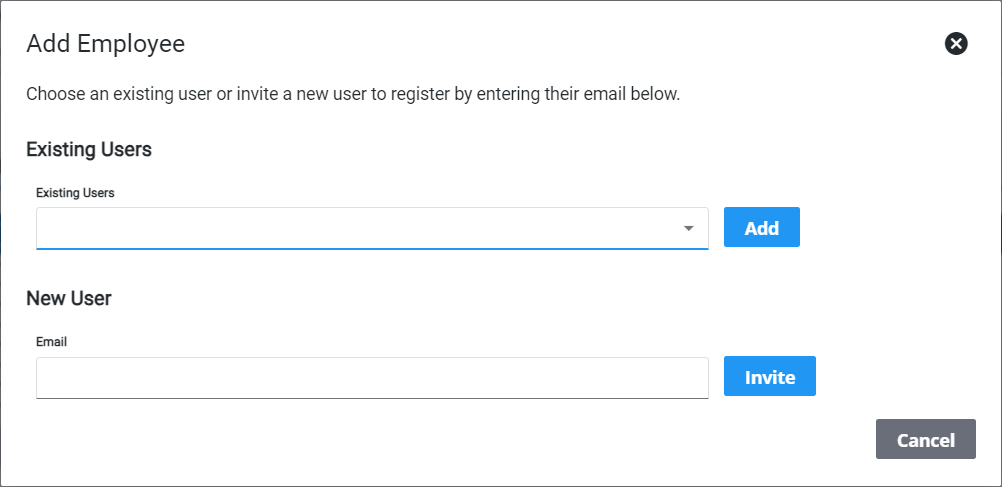
- On the Add Employee panel, use the drop-down list in the Existing Users field to select an employee and click Add or enter a new user email in the Email field and click Invite.
A registration invite email is sent to the contractor.
Remove an Employee
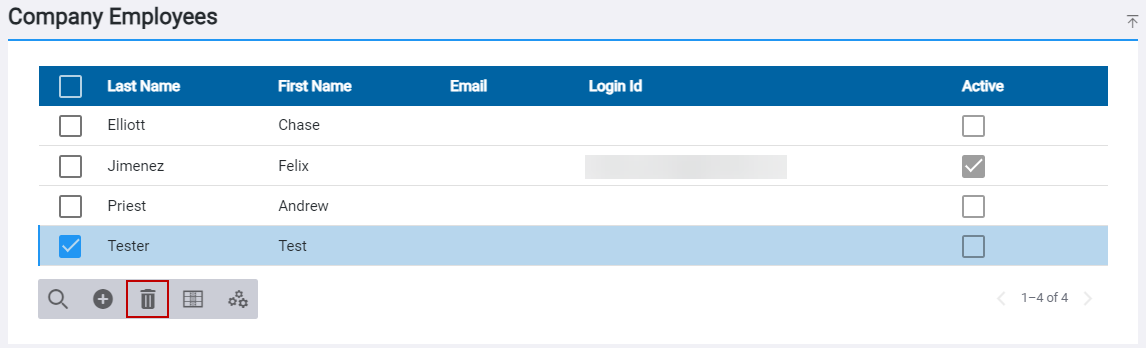
- On the Company Employees panel, select the employee you want to remove and click Remove selected employee from company.
- Click Remove on the confirmation panel.