Log In as a Guest User
There is a guest user option available for users who do not use Public Access on a regular basis. It's recommended to create an account if you plan to use Public Access more often. See Create a Login for more information.
A link to Trimble's privacy notice and a cookie settings message have been added to the login page. When accepted, cookie settings can help enhance site navigation and analyze site usage.
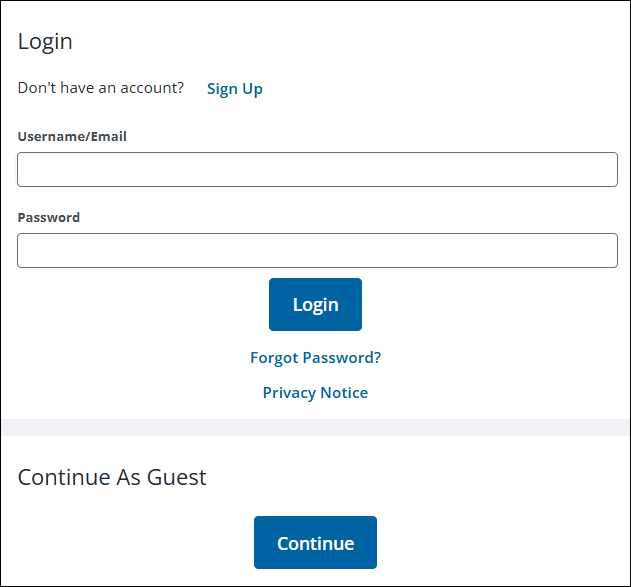
- Click Continue under Continue As Guest.
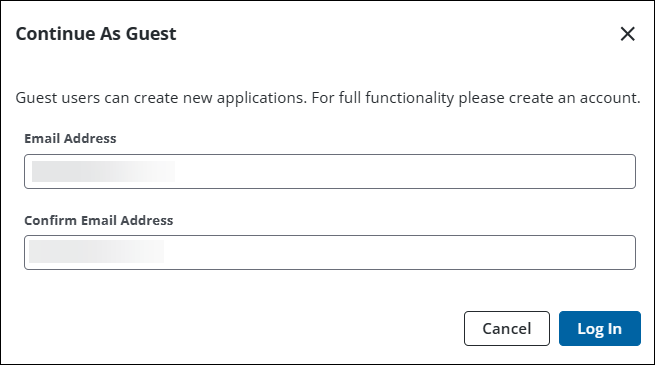
- Enter your email address and confirm it.
- Click Log In.
The Select an Application page displays. See Begin a New Application for more information on creating a case.