Add a License
A license is issued by an authority to give permission to carry on a trade, use something, or allow an activity to take place. Licenses, such as business licenses, professional or apprenticeship licenses, state and local permits, etc., can be added to a case. Depending on how the administrator has configured the template, certain licenses might already be on the case. They are listed in the panel. You can also add licenses if needed.
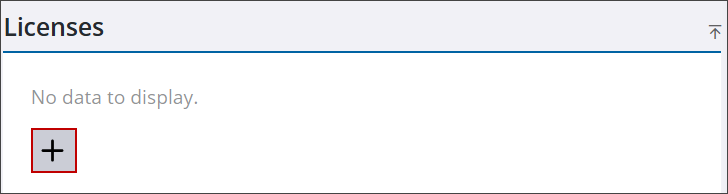
- Navigate to the Licenses panel.
- Click Add record to open the Add Licenses panel.
 TIP: You can filter the list of records displayed. See Filter Records for more information.
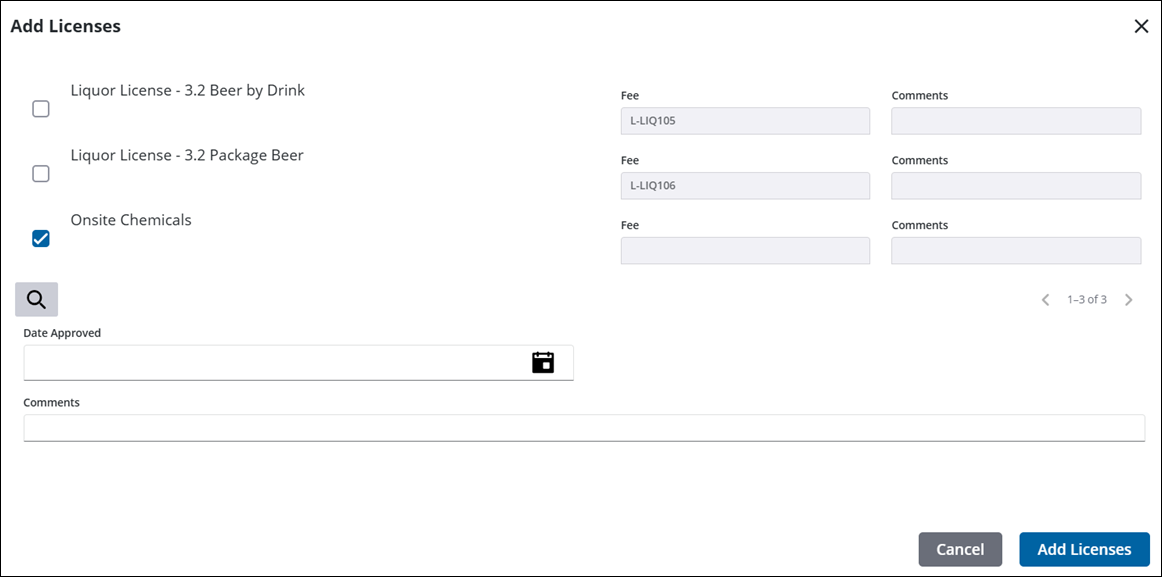
- Select the check box next to the license you want to add.
The Fee field is automatically populated according to the code’s configuration. See Add a Sub License in the Admin Guide for Trimble Unity Maintain and Trimble Unity Permit for more information.
- In the Date Approved field, enter the date, double-click to insert today's date, or select a date from the calendar.
- Enter any Comments.
- Click Add Licenses to add the license to the case.
From here you can remove, view, and search licenses. See Licenses in the case summary page for more information. See License Panel Fields for an explanation of the License panel fields.

