Edit a Released Instrument
You can edit a released instrument.
- Open a case and navigate to the Instrument panel.
- Click the edit icon to the right of the instrument to open the Edit Instrument panel.
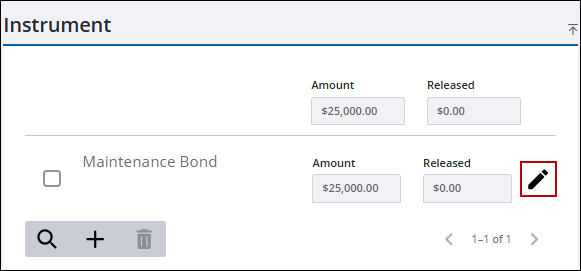
- Scroll to the bottom of the Edit Instrument panel and click Instrument Release.
 TIP: You can filter the list of records displayed. See Filter Records for more information.
- Click the arrow by the release you want to edit to view additional information.
- Click any of the available fields to edit or update the information.
- Click Save to save the information.
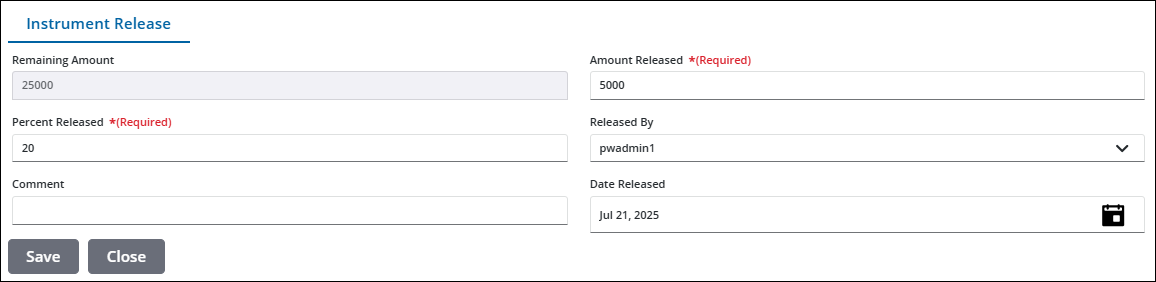
See Instrument Release Panel Fields for an explanation of the Instrument Release panel fields.

