Add Payer Information to a Payment
You can add who made the payment on fees or deposits using the Copy From Person drop-down list to add contact information from people already associated to the case, or enter the information manually.
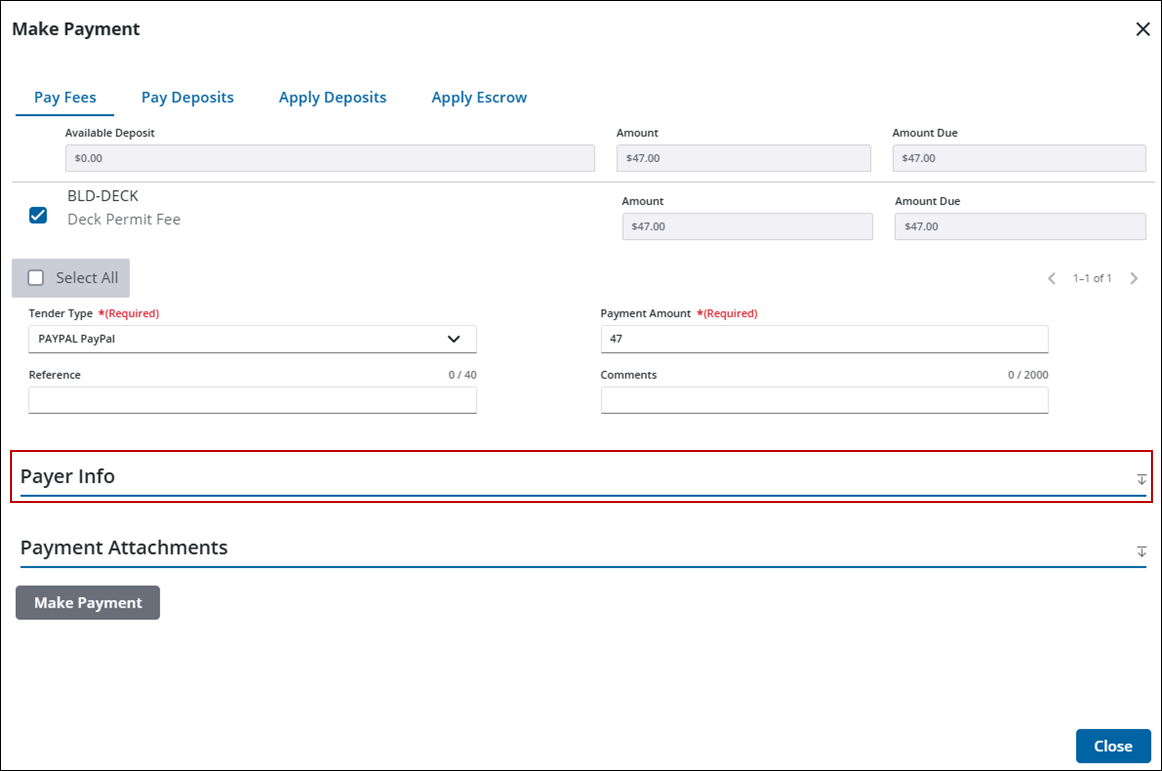
- Click Payer Info from the Make Payment panel. See Make a Payment for instructions on opening the Make Payment panel.
- Select the payer from the Copy From Person drop-down list or enter the information manually.
|
|
 NOTE:
NOTE:
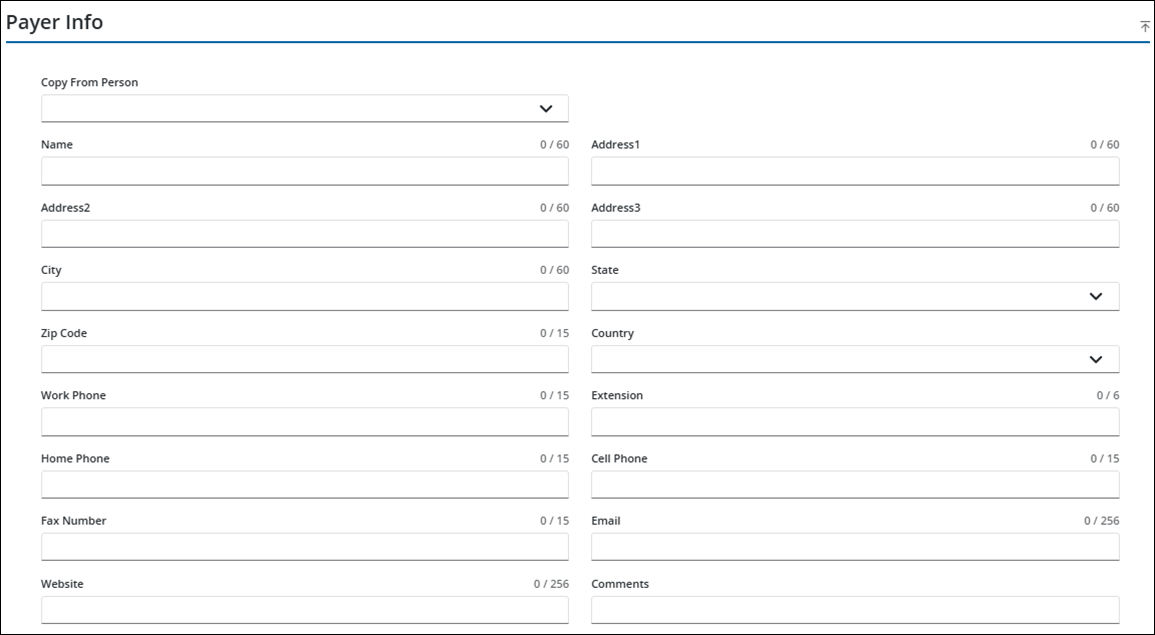
See Payment Fields for an explanation of each field.

