Send a Message to a Person
You can manually send an email to people on a case.
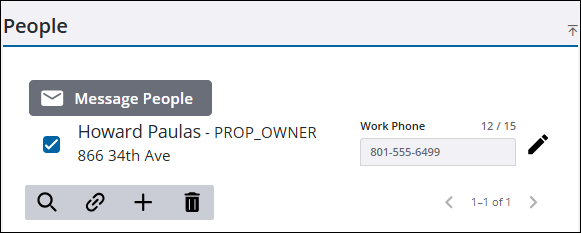
- Open a case and navigate to the People panel.
- Select one or more people you want to send a message to.
 TIP: You can filter the list of records displayed. See Filter Records for more information.
- Click Message People to open the Message People panel.
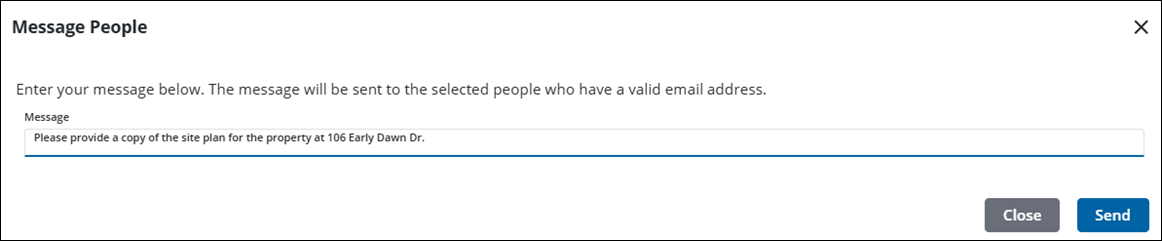
- Enter your message.
- Click Send.
 NOTE: When a message is sent to a person on a case, a success message is shown if they have an email address; otherwise, an error message is shown. If some people have email addresses and others do not, a message appears stating that not all of the selected people have an email address. Then, a success message appears to let the user know that an email was sent to those with an email address. See Edit a Person's Information for more information on updating an existing person.

