Open a Case
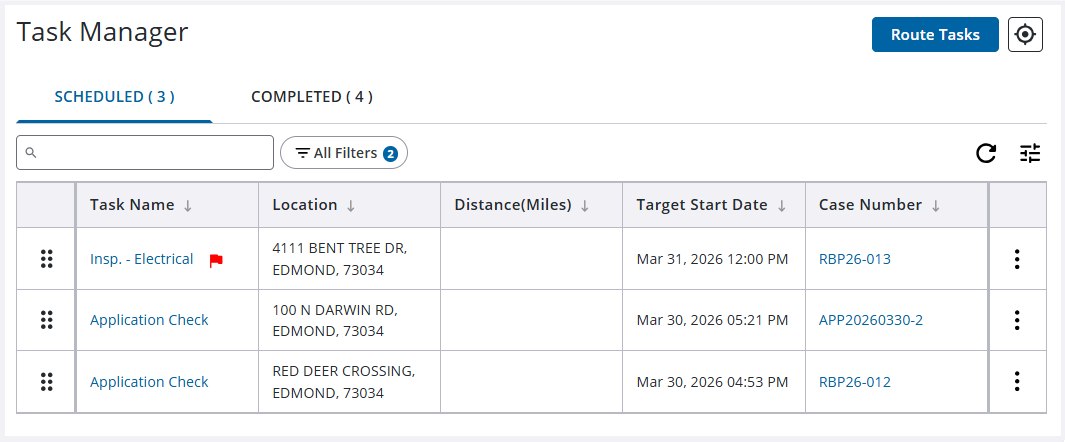
Use Task Manager to view an existing case by identifying a specific task.
|
|
 PREREQUISITES:
- Open Task Manager and perform a search. See Search for Tasks for more information on performing a search.
- Click the case number by the task to open the case. If the case number is not visible, click the column icon and select it.
See topics under Case Summary for more information on editing a case.
See Complete a Task for more information on completing a task.

