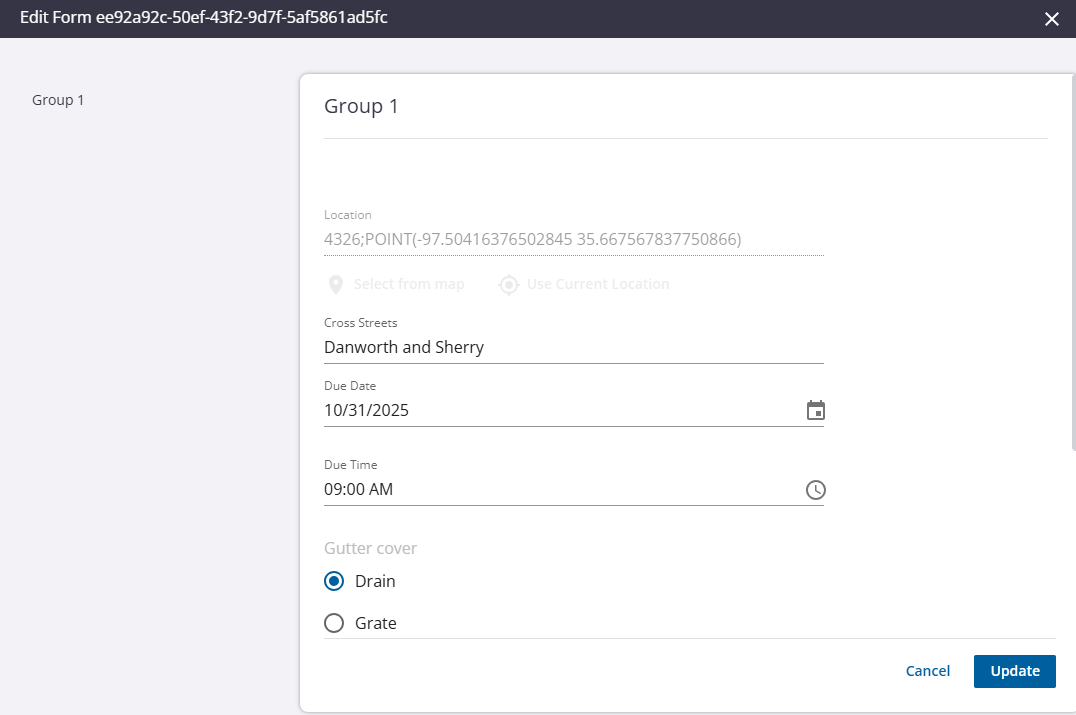
Edit Associated Forms
Answers found in forms that have been filled out in Field can be edited on the work activity on the Associated Forms panel.
|
|
 PREREQUISITES:
- Open the work order. See Open a Work Order for more information.
- Scroll to the Associated Form panel.
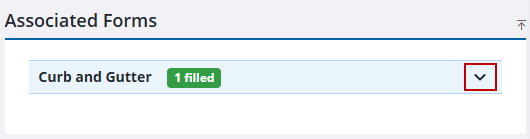
- Open the drop-down list under the name of the form.
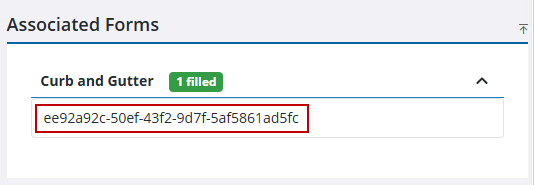
- Click on the form.
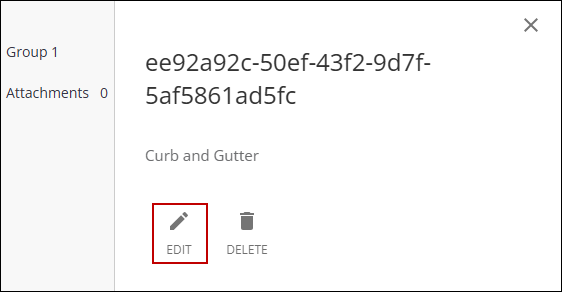
- Click Edit.
- Edit the form.
- Click Update on the Edit Form panel.