Edit a Permit
Permits can be edited if needed.
|
|
 PREREQUISITES:
- Open the work order.
- Click Permit Costs from the activity toolbar.
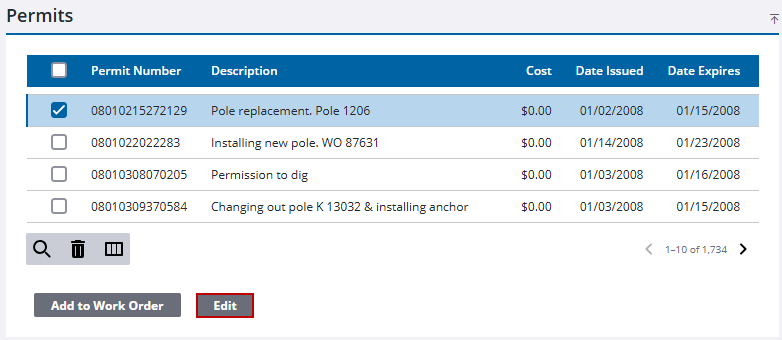
The Work Order Permits panel displays all the permits that have been associated with the work order. The Permits panel displays all the permits that have been created for any work order.
 TIP: You can filter the list of records displayed. See Filter Records for more information.
- Select the permit in the Permits panel.
- Click Edit.
Details about the permit appear in the Permit Details panel. See Work Order Fields for an explanation of fields.
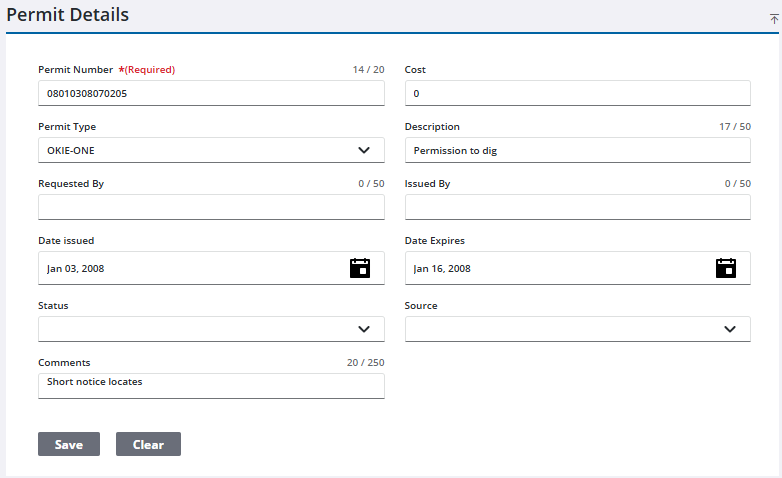
- Make any desired changes.
- Click Save.

