Traditional Single Sign-on through ArcGIS Credentials
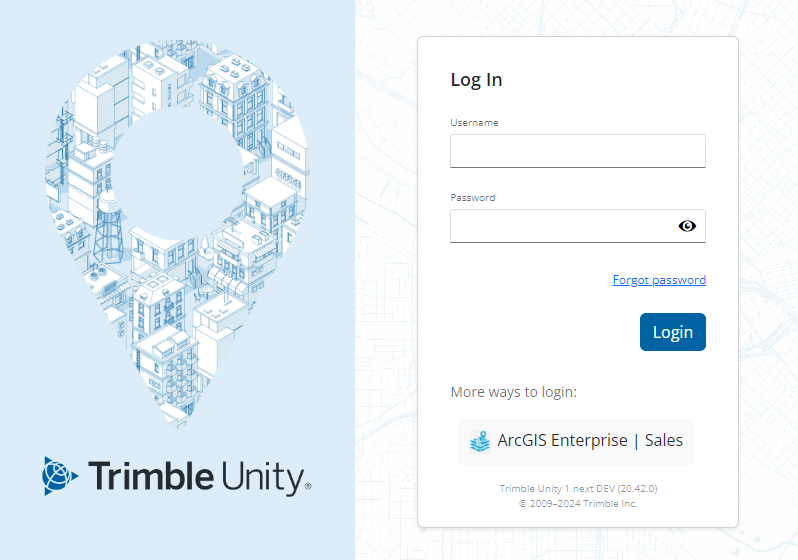
While using Trimble ID with or without federation is encouraged, the traditional Single Sign-on can still be configured instead of Trimble ID. Single Sign-on allows users to log in to Trimble Unity using their ArcGIS Online or Portal for ArcGIS credentials, which is helpful for administrators who want to manage user passwords in ArcGIS Online or Portal for ArcGIS rather than Trimble Unity. A Trimble Unity user is federated to an ArcGIS identity (either ArcGIS Online or ArcGIS Portal), and then uses either ArcGIS built-in identity or federated identity (i.e., with an enterprise identity provider (IdP), such as Microsoft Entra ID (formerly Azure AD), ADFS, Okta, Google, etc).
 NOTE: Once Single Sign-on is configured for the site, the Collapse Default Login preference in Admin should be turned on. See Configure Global Preferences in the Admin Guide for Trimble Unity Maintain and Trimble Unity Permit for more information.
Single Sign-on users will see an additional map tool: Webmaps. See ArcGIS Online and Portal for ArcGIS Web Maps for more information on these two map tools.
 IMPORTANT: If you are using Trimble ID, an organization can instead use their existing enterprise identity provider (IdP) to log in to Trimble ID. Trimble ID federation can be created with most established enterprise identity provider (IdP) solutions, such as Microsoft Entra ID (formerly Azure AD), ADFS, Okta, Google, using either Open ID Connect (OIDC) or SAML protocols. See Configure Federation with an Identity Provider for more information.