Print the Map
The current view of the map can be exported and then printed. There are three tabs: Layout, Map only, and Exports. The Layout tab allows you to export the map extent with an author, copyright, legend, and north arrow. The Map only tab allows you to export and print just the map extent and source attributions. The Exports tab allows you to view the view of the map you exported.
|
|
 PREREQUISITES:
- Click Printing in the map toolbar.
- Select which tab to use. Depending on the tab you use, different fields appear.
- Enter information in the tab. See Printing Fields for more information on these fields.
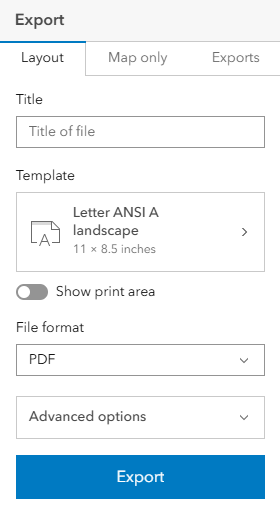
- Click Export to export the map and print.