Add Line Item Costs
Line item costs from a contract can be added to a work order in ELM on the Add Costs and the Line Item Costs panels.
|
|
 PREREQUISITES:
 Add Line Items on the Add Costs Panel
Add line items costs from a contract on the Line Items tab on the Add Costs panel in ELM.
- Open ELM. See Open ELM for more information.
 TIP: You can filter the list of records displayed. See Filter Records for more information.
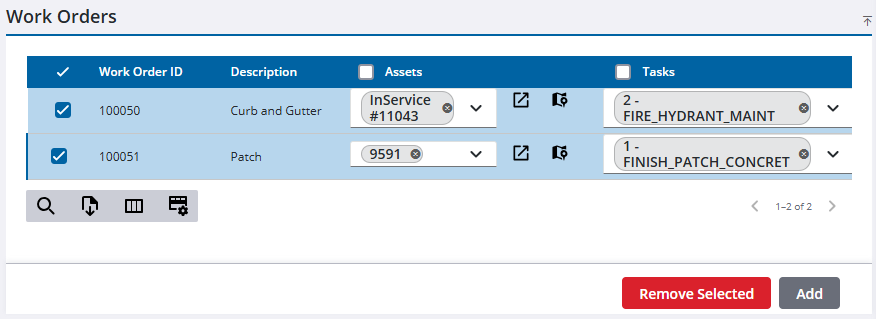
- On the Work Orders panel, select the work order(s) you want to add the costs to. See Associate ELM to Work Activities for more information.
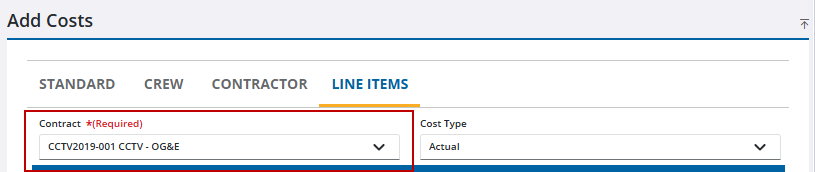
- On the Add Costs panel, click the Line Items tab.

- Use the drop-downs to select the Contract. The contract must already exist. See Contracts in the OpX Guide for Trimble Unity Maintain and Trimble Unity Permit for more information.
- Select the line item(s).
- Add the remaining required information. Assets can be added to an associated cost. See Associate Assets to a Cost for more information.
- Click Add Cost.
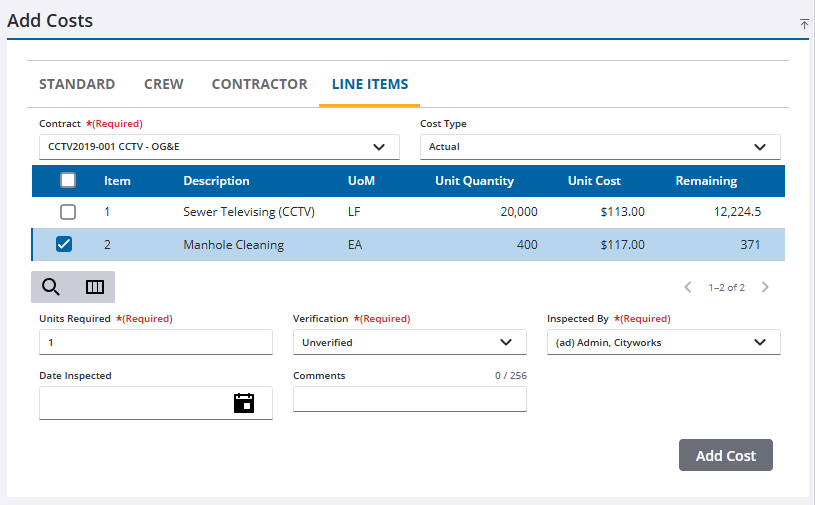
The new line items costs show in the Cost Summary and the Line Items Costs panels.
Add Line Items on the Line Item Costs Panel
Add line items costs on the Line Items Cost panel in ELM.
- Open ELM. See Open ELM for more information.
- Click Add record on the Actual, Reported, or Estimated section.
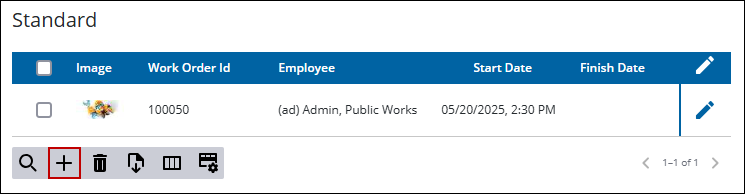
The contract and the line items must already exist. See Contracts in the OpX Guide for Trimble Unity Maintain and Trimble Unity Permit for more information.
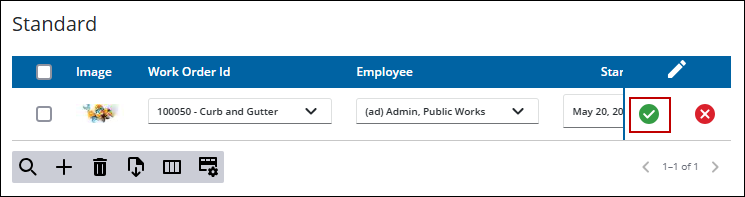
- Add the information, all required fields are marked in red. Assets can be added to an associated cost. See Associate Assets to a Cost for more information.
- Click Save.
The new line item costs show in the Cost Summary and the Line Item Costs panels.

