Use Attachments
The Attachments panel allows you to add, view, edit, or remove attachments associated to the service request.
- Open a service request.
- Navigate to the Attachments panel.
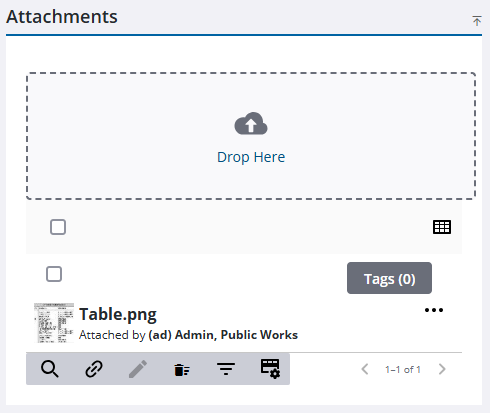
- Click Edit to edit attachments. See Edit Attachments for more information.
- Click Delete attachment or Delete All to remove attachments from the service request. See Remove Attachments for more information.
- Click Search to open the Attachment Search page. See Filter Attachments for more information.
See Attachments for more information on adding, editing, viewing, and removing attachments.

