Log In
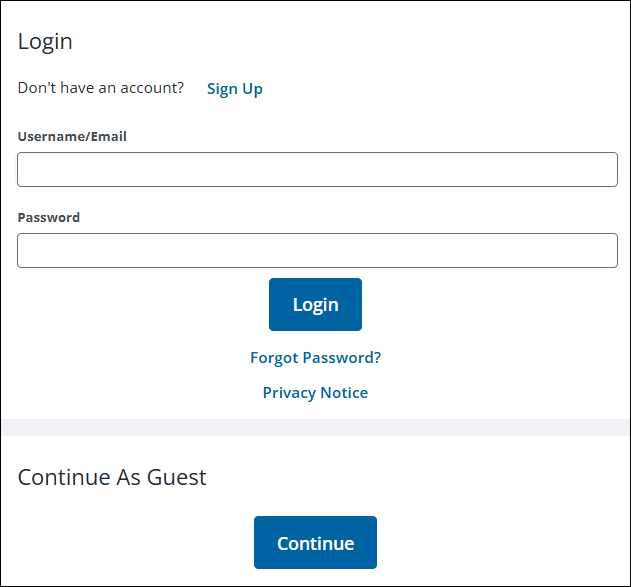
Use the Login page to open Public Access. A link to Trimble's privacy notice and a cookie settings message have been added to the login page. When accepted, cookie settings can help enhance site navigation and analyze site usage.
|
|
 IMPORTANT: A proxy user's configuration and credentials are automatically verified during the login process. If there is invalid or missing proxy user information, a message displays that an administrator must log in to complete the configuration. See
- Enter your Username and Password.
- Click Log In.
If you don't have an account, click Continue as Guest or create an account by clicking Sign Up. See Log In as a Guest User or Create a Login for more information.