Add a Contractor
A contractor is a person or business that provides equipment, materials, or labor on a contract basis. Contractor information has already been configured by the administrator.
If one contractor is performing more than one type of work for the same case, the contractor's information must be added separately for each kind of work (for example, framing, plumbing, electrical, landscaping, and so on).
|
|
 PREREQUISITES:
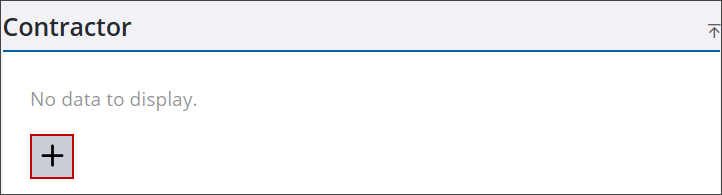
- Navigate to the Contractor panel.
- Click Add record to open the Add Contractors panel.
 TIP: You can filter the list of records displayed. See Filter Records for more information.
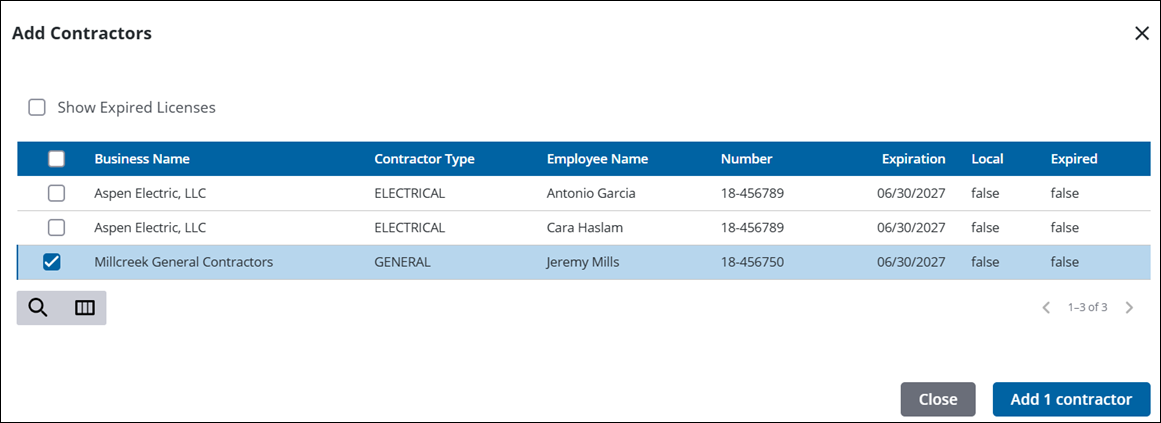
- Select the check box by the desired contractor(s).
- Click Add contractor(s).
|
|
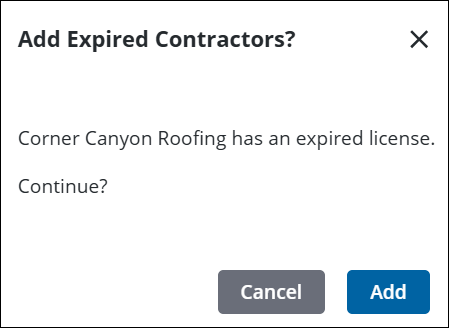
From here you can remove, view, and search contractors. See Contractor in the case summary page for more information. See Contractor Panel Fields for an explanation of the Contractor panel fields.
 NOTE: Custom forms can be configured by the administrator and applied to specific areas in the UI, such as based on a specific template, fees, comments, and more. See Custom Form in the Admin Guide for Trimble Unity Maintain and Trimble Unity Permit for more information. When a case is cloned, custom form values are copied to the child case. If the administrator added encrypted custom forms, you will see dots when typing in the field. A view icon allows you to view the encrypted text in the field.

